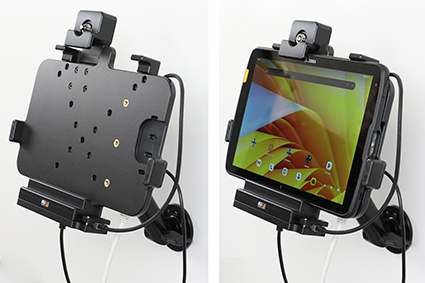
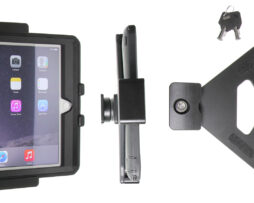
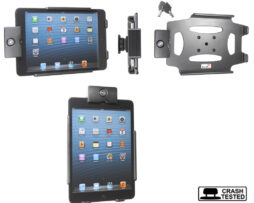
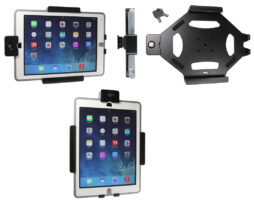
Holder with key-lock

216491

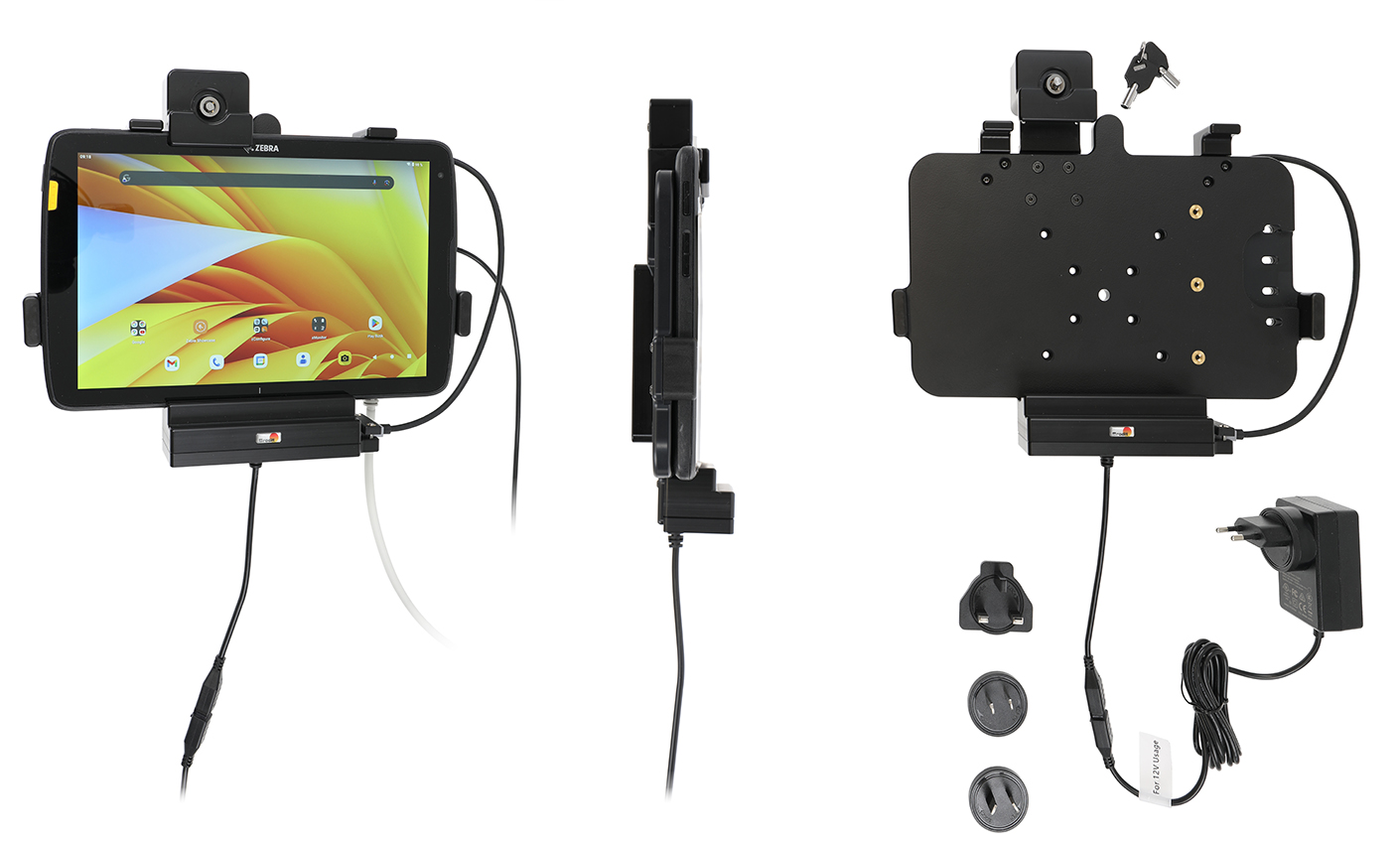
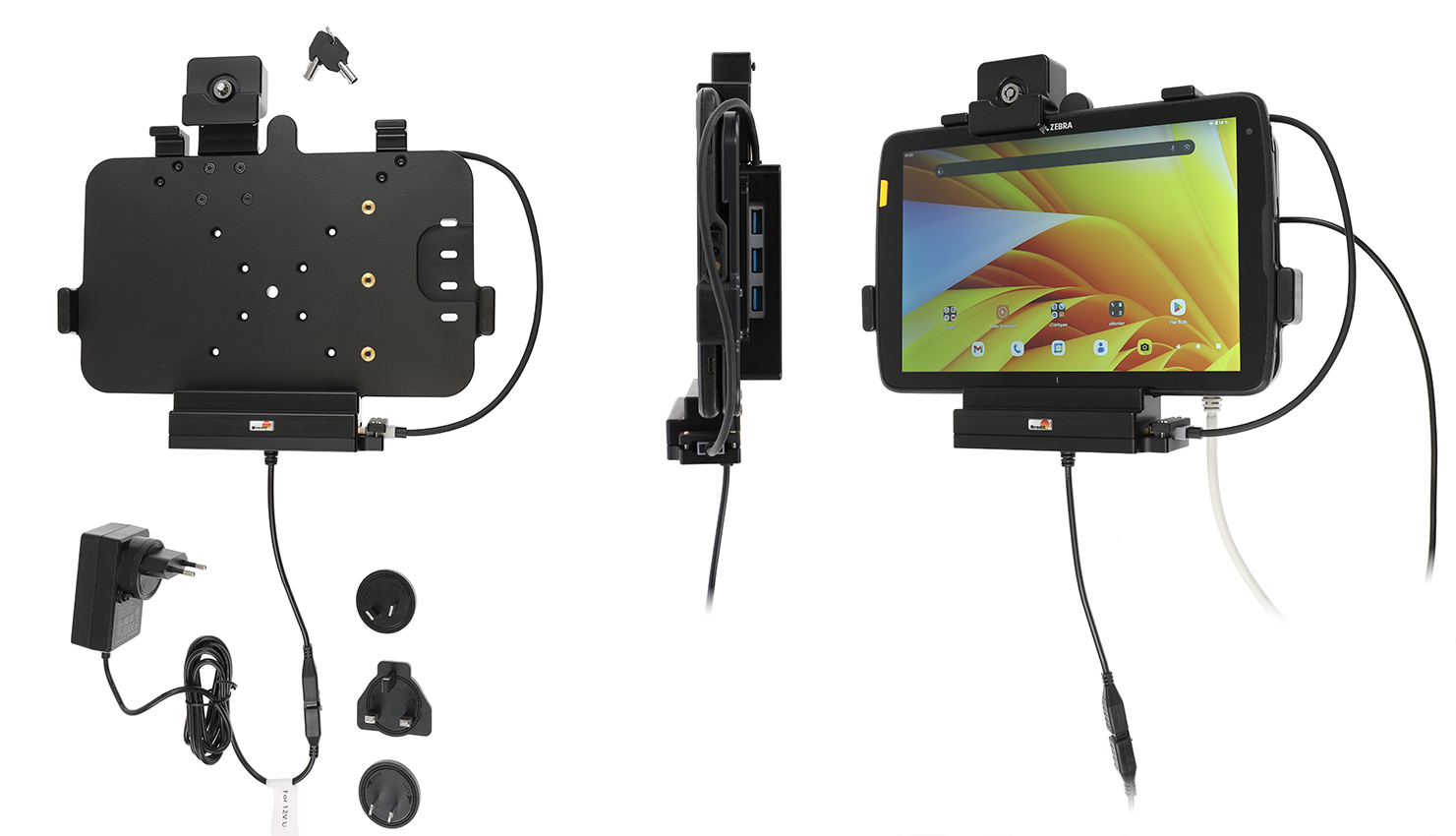
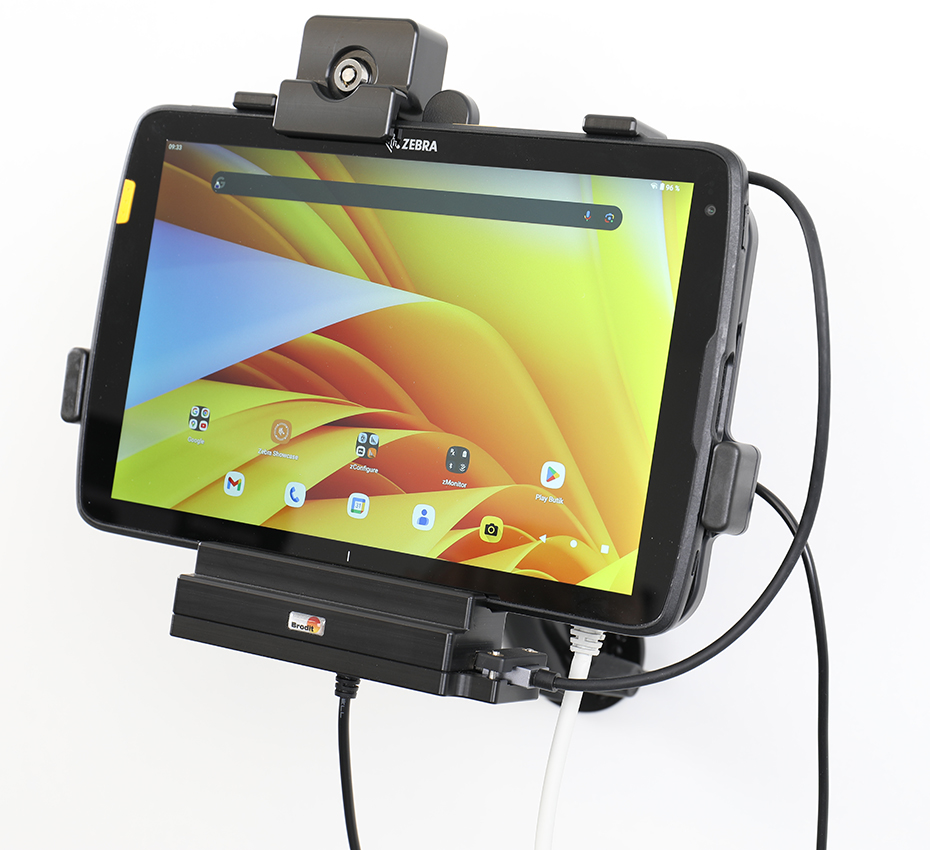
Active holder with power cable and Wall adapter. 2 keys included. With USB Host Type-A. With Easy-switching system. Charger via pogo pins. With AMPS, VESA 75 holes. Fits devices without Rugged Boot / Exoskeleton.

€665,00

Su ordinazioneOrdina ora, spediamo il 07/10/2026

Disponibile su ordinazione

Codice Brodit216491
EAN7320282164911
TipologiaHolder with key-lock

Compatibilità

Questo prodotto è compatibile con i modelli elencati qui sotto. Usa la ricerca per trovare il tuo, poi apri la pagina del modello per vedere tutti i supporti disponibili.

Dispositivi compatibili (2)

MarcaModello
ZebraET40 10
ZebraET45 10

Descrizione

This holder is to be used when you want to secure your tablet and still have it easy accessable. The holder is also perfect for use in stores, at exhibitions and any place where you want to use your tablet without having it easy removable. The holder is made of extra strong plastic and is equipped with a lock. In order to remove the tablet from the holder you need the key, two keys are included. The holder also includes a power cable and a wall adapter to keep the device always charged and ready for a new work shift.

Istruzioni di montaggio

Please read all of the instructions and  look at the pictures before attaching the holder.
 
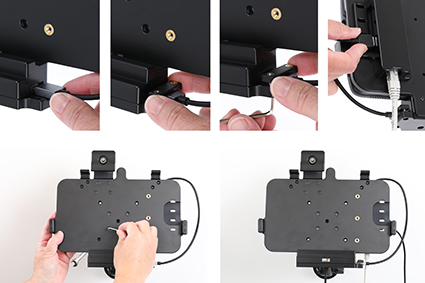
1. Connect device via USB Host. Press the cable into the socket, place the cable socket over the pre-drilled holes, screw the cable socket with the enclosed screws. Place the holder onto the desired position and screw into place with the enclosed screws.

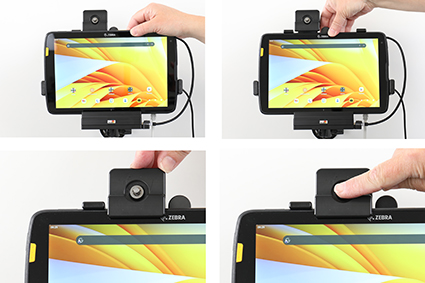
2. To place the device in the holder: Use the enclosed key to open the lock. Place the lower part of the device in the holder, then flip/press the upper part forwards so it snaps into place in the holder. Press the lock downward. Press the button to lock.

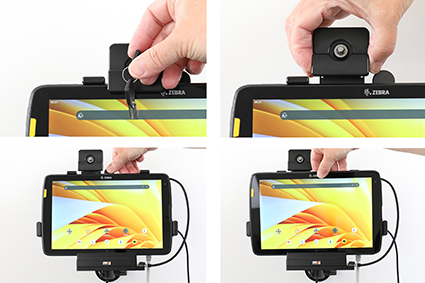
3. To remove the device from the holder: Use the enclosed key to open the lock. Slide the lock upward. Press upwards on the upper part of the holder, in the same time pull the upper part of the device out from the holder and then lift the device up and out from the holder.
 
4. The holder is in place.