Questo prodotto è compatibile con i modelli elencati qui sotto. Usa la ricerca per trovare il tuo, poi apri la pagina del modello per vedere tutti i supporti disponibili.
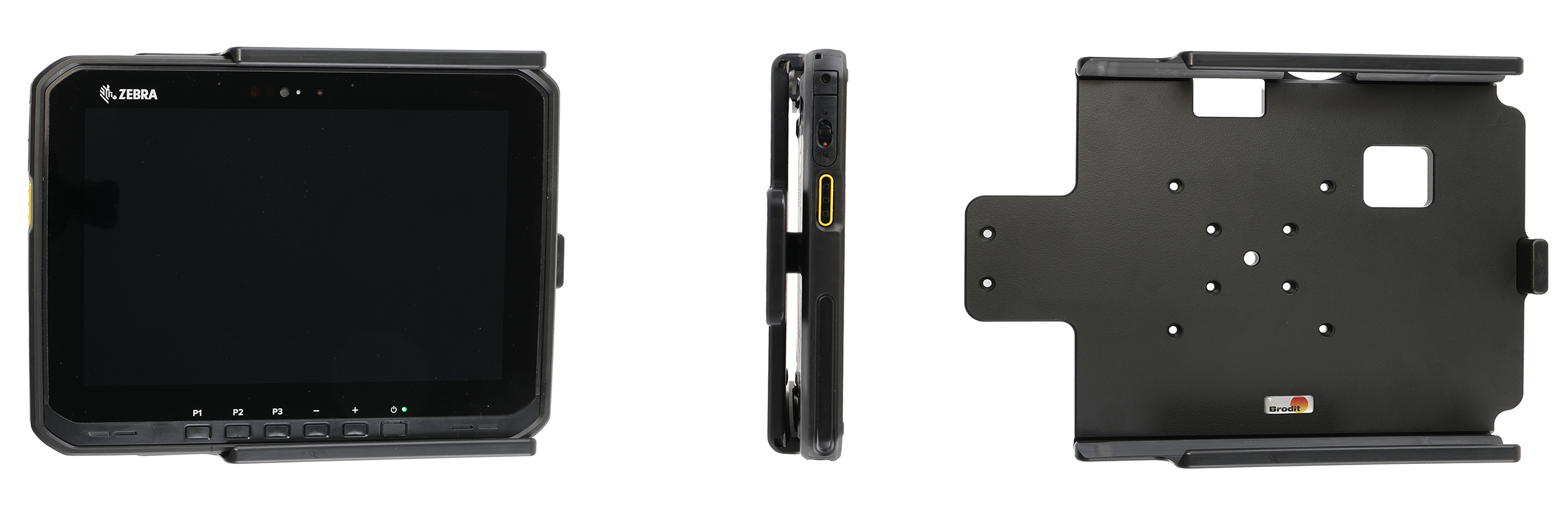
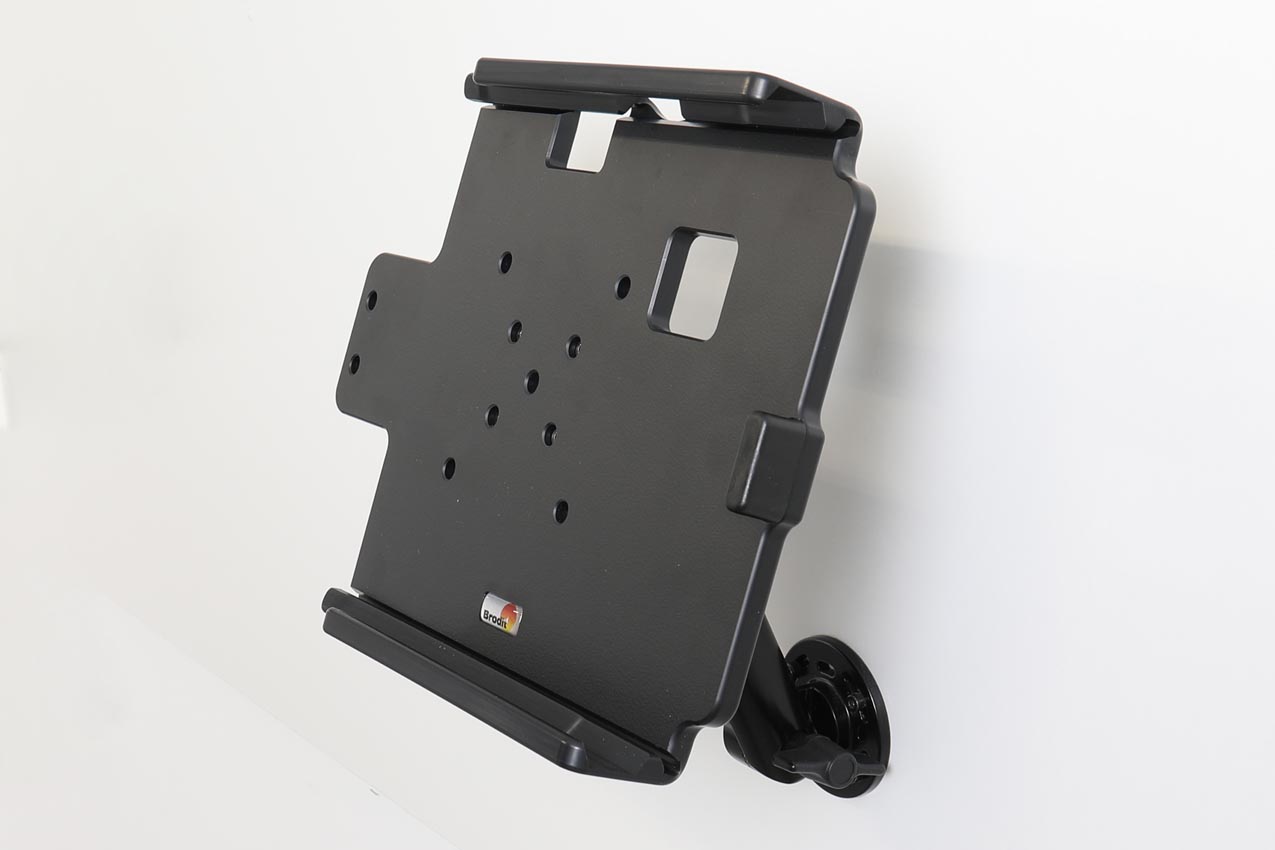
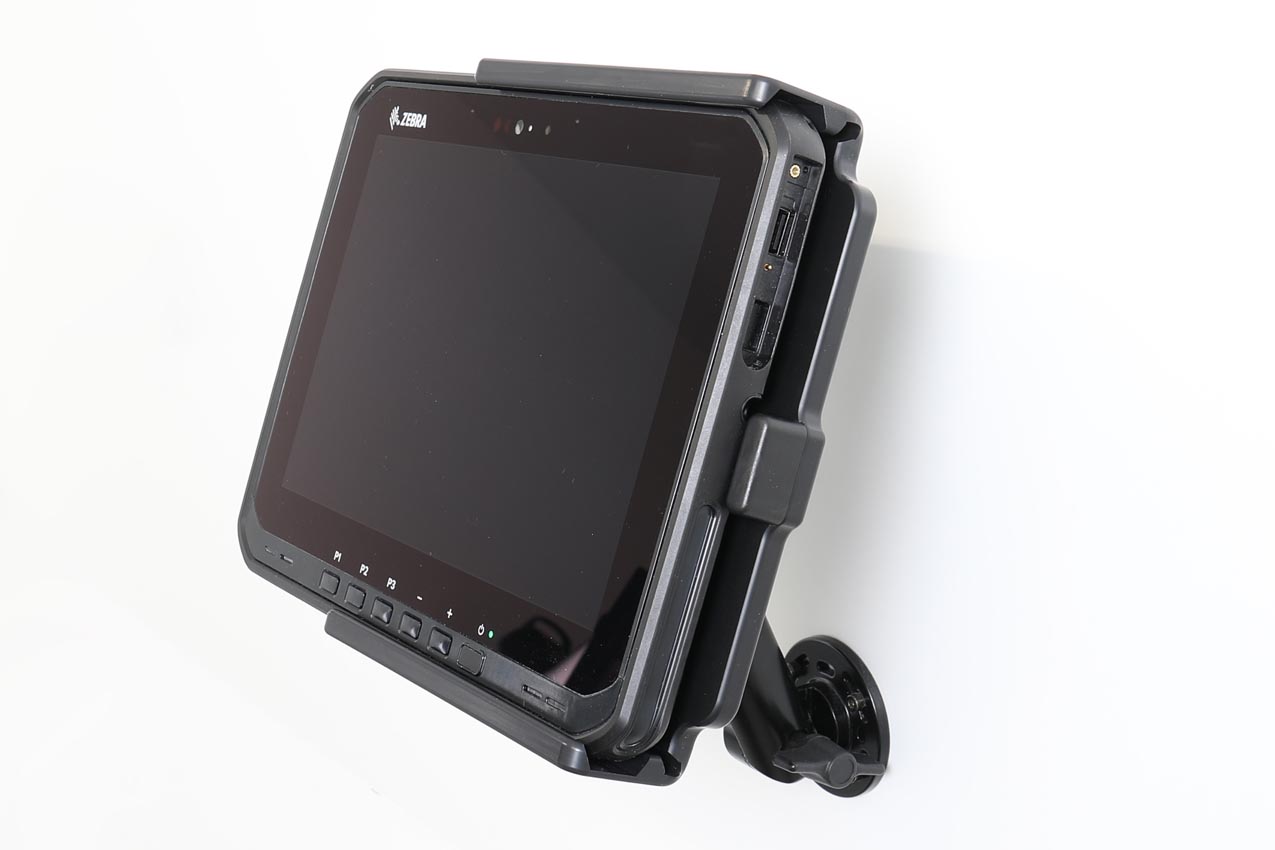
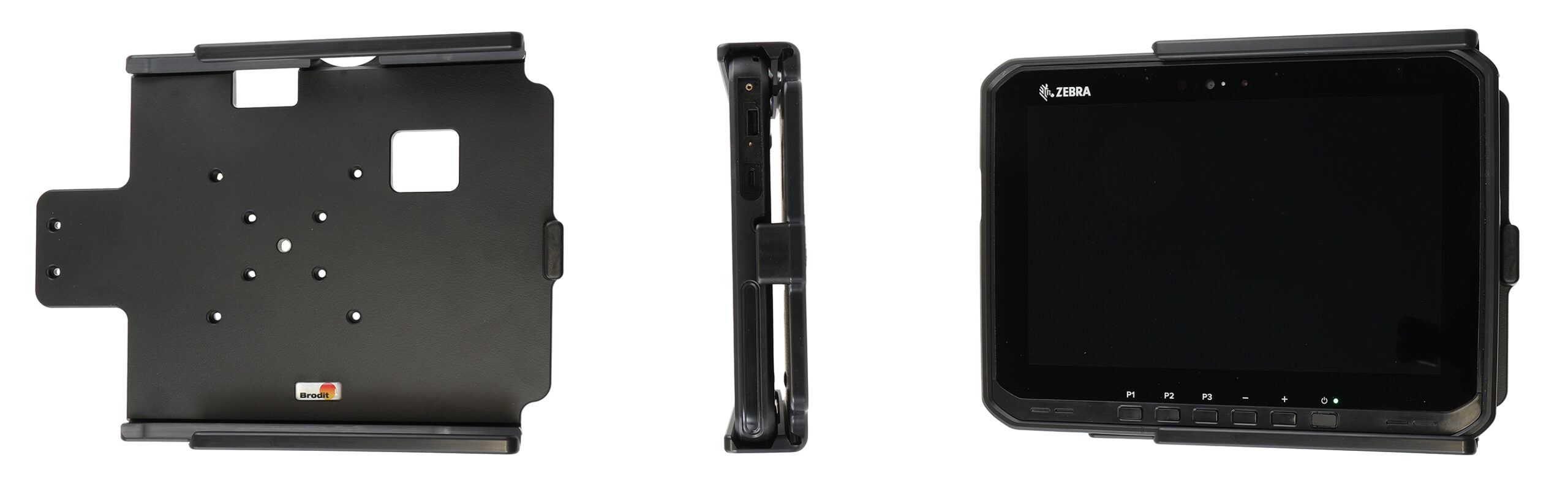
With your tablet in a holder attached in your car you will always have it within easy reach in the car. Safe, neat and convenient! You can connect e.g. a charging cable to the device when it is in the holder.
This is a Module Upgrade Cradle, this means that you can upgrade or replace features by using some of the following modules:
Item no. 216500 Key lock with two keys. For Android version.
Item no. 216499 Retention-lock module. For Android version.
Item no. 217150 Key lock with two keys. For Windows version.
Item no. 217149 Retention-lock module. For Windows version.
An installation of a tablet onto a vehicle’s dashboard is always done on the customer’s own responsibility. Brodit recommends to use tablets on the car’s headrest, installed onto a Brodit headrest mount.
Istruzioni di montaggio
Please read all of the instructions and look at the pictures before attaching the holder.
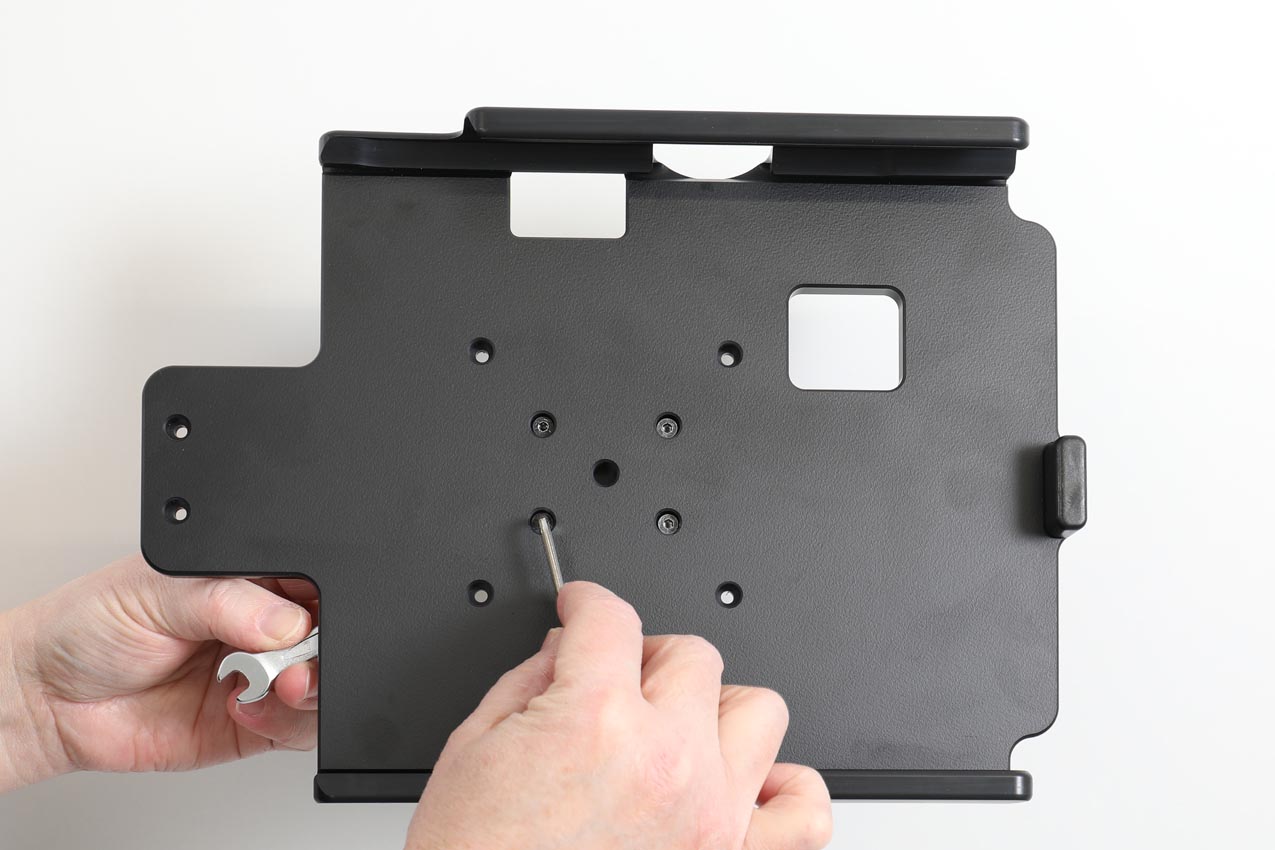
1. Place the holder onto the desired position and screw into place with the enclosed screws.
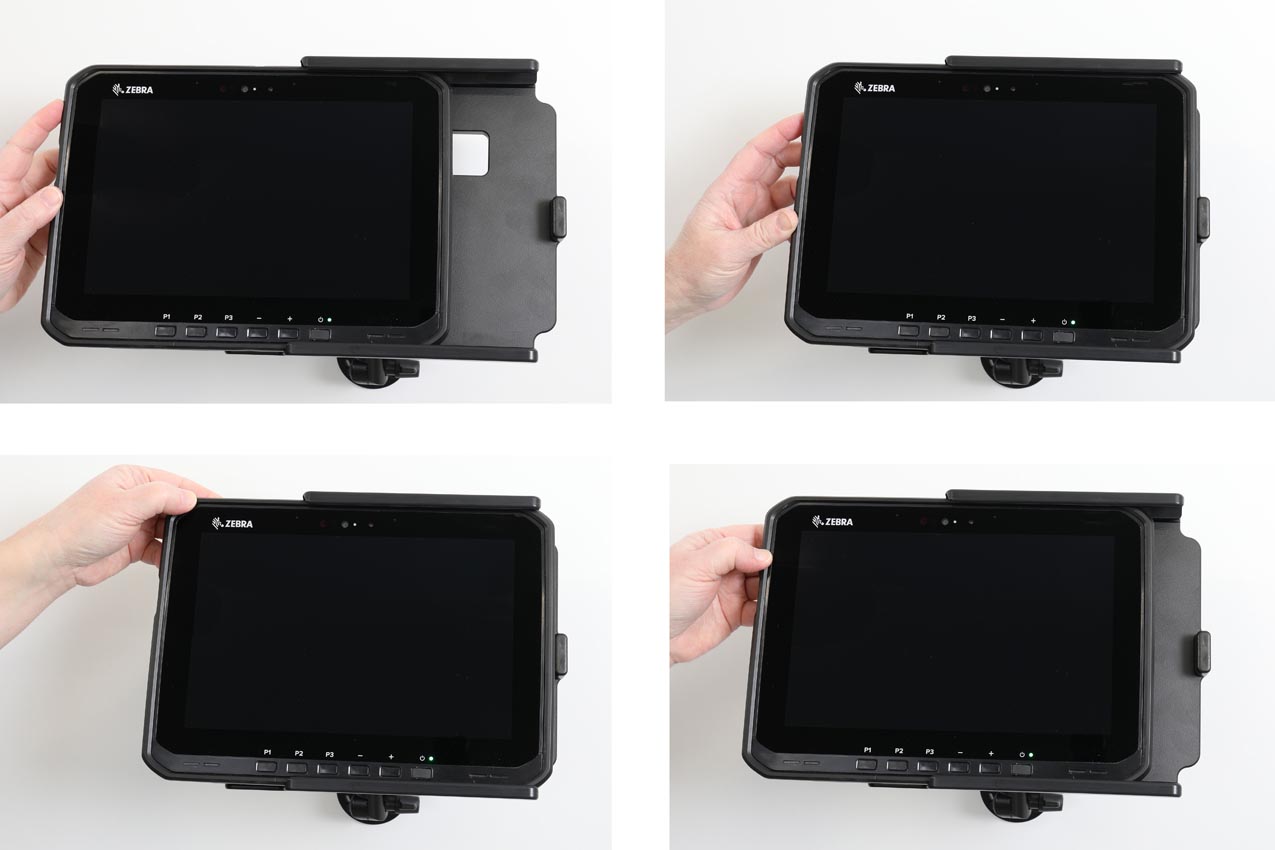
2. To place the device in the holder: Slide the device sideways carefully into the holder. To remove the device from the holder: Slide the device sideways and out.