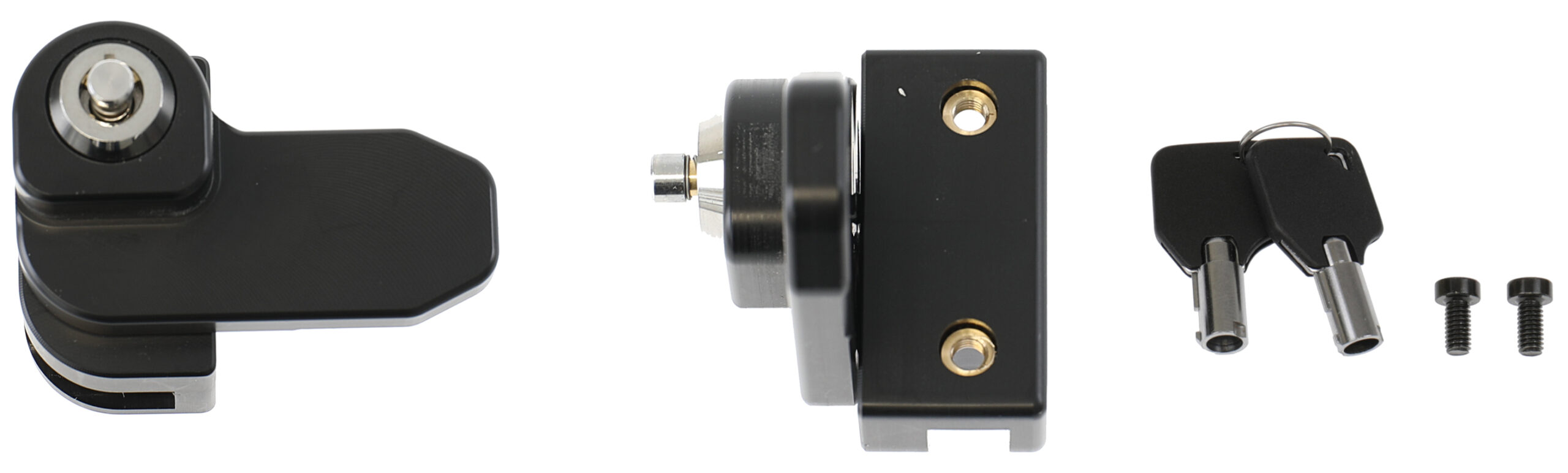
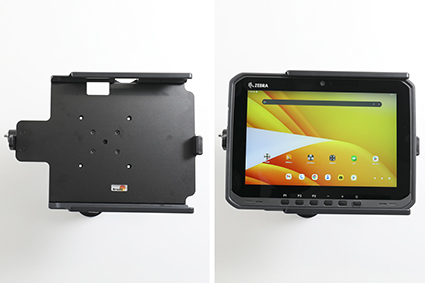
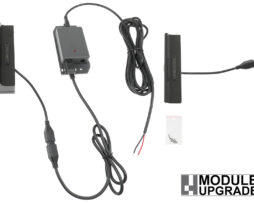
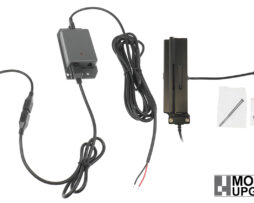
Key lock module, 2 keys included, for Module Upgrade holders without Rugged Boot / Exoskeleton, Zebra original expansion back.
€88,00
Su ordinazioneOrdina ora, spediamo il 07/10/2026
Disponibile su ordinazione
Codice Brodit
216500
EAN
7320282165000
Tipologia
Accessori
Compatibilità
Questo prodotto è compatibile con i modelli elencati qui sotto. Usa la ricerca per trovare il tuo, poi apri la pagina del modello per vedere tutti i supporti disponibili.
Lock block with a key-lock. The product is compatible with Module Upgrade holders, this means that you can upgrade such a holder with a key lock if desired.
Can also be used for item no 216498.
Made of high grade Acetal plastic. Color: Black. Made in Sweden.
Istruzioni di montaggio
Please read all of the instructions and look at the pictures before attaching the holder.
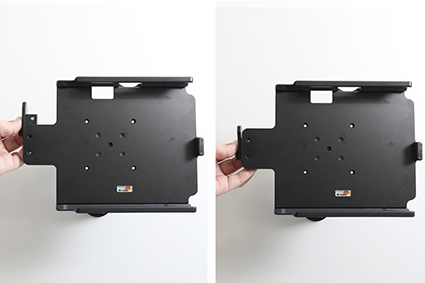
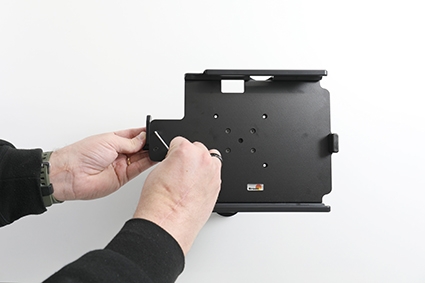
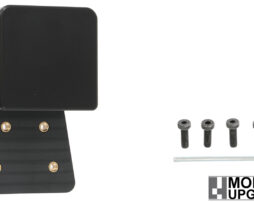
1. Place the locking block on the back of the holder so that the screws fit in the holes.
2. Screw on the locking block with the enclosed screws.
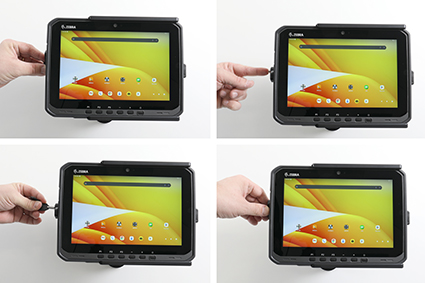
3. Slide the device sideways carefully into the holder. Press the lock sideways onto the left part of the holder. Press the button to lock. Use the enclosed key to open the lock. Remove the lock by slidning it sideways away from the holder. Slide the device sideways out of the holder.