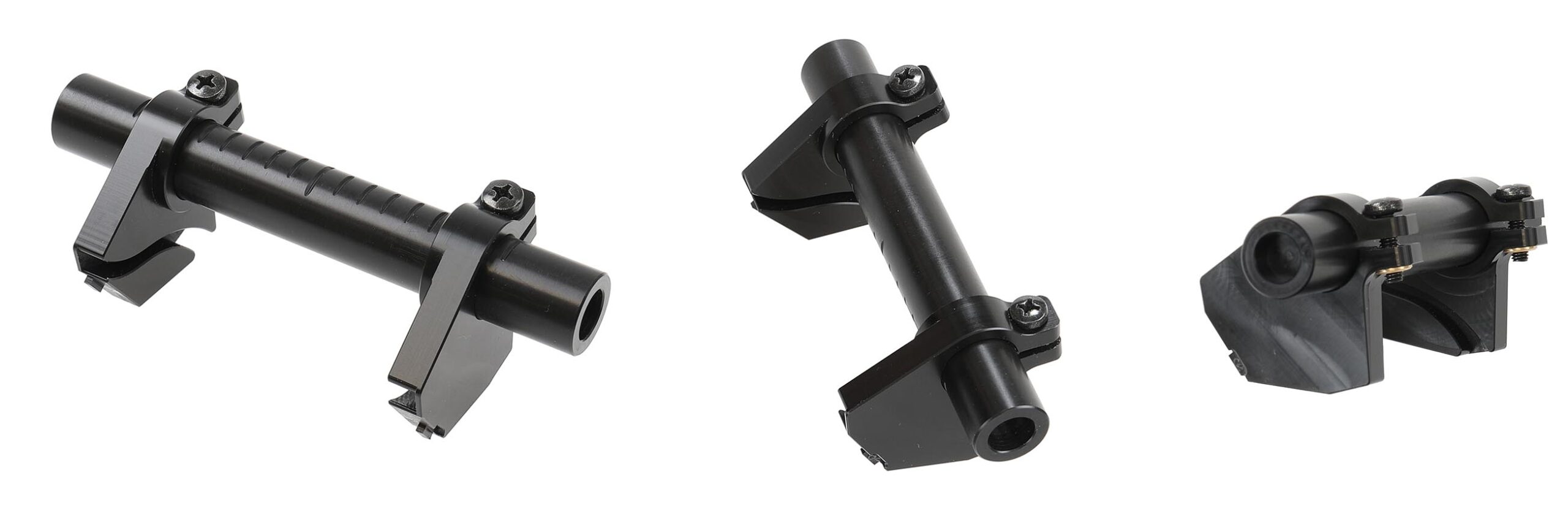
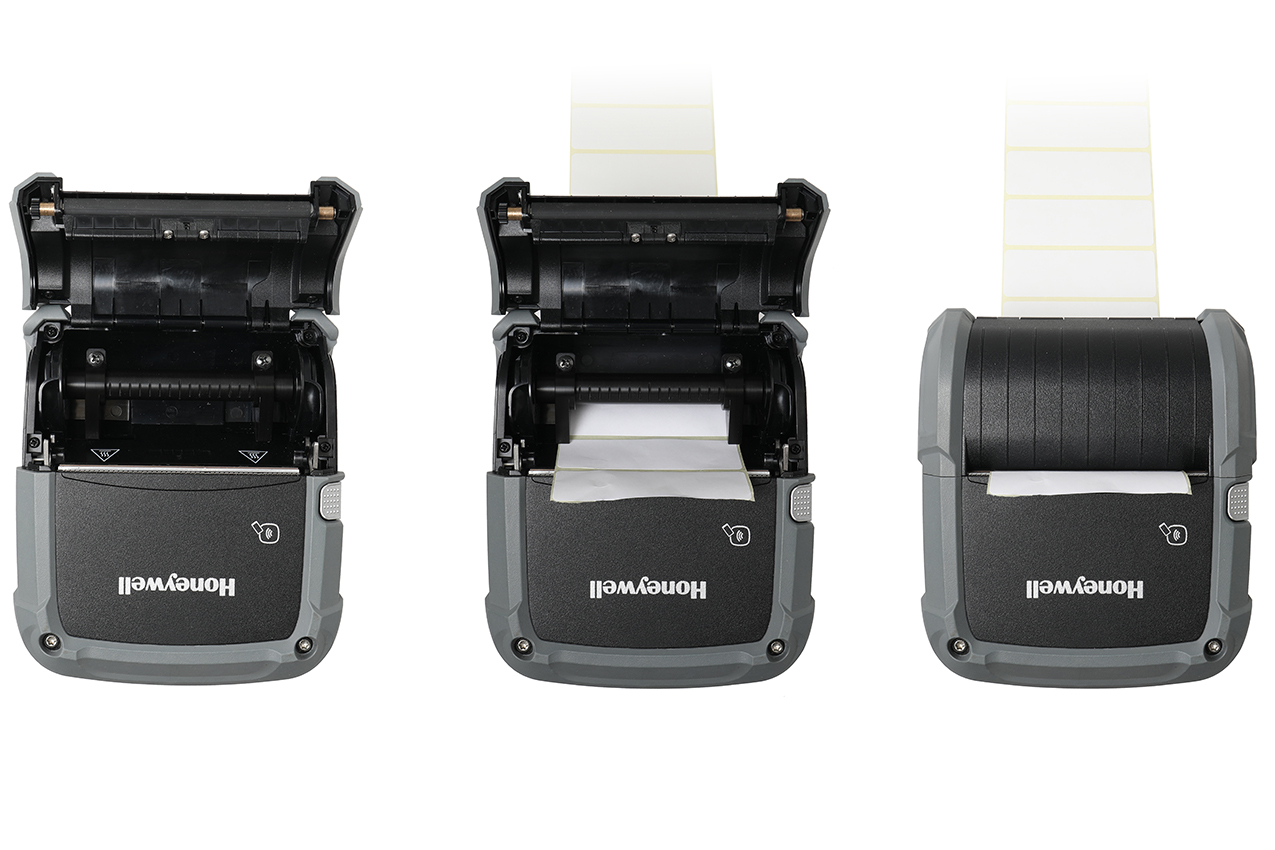
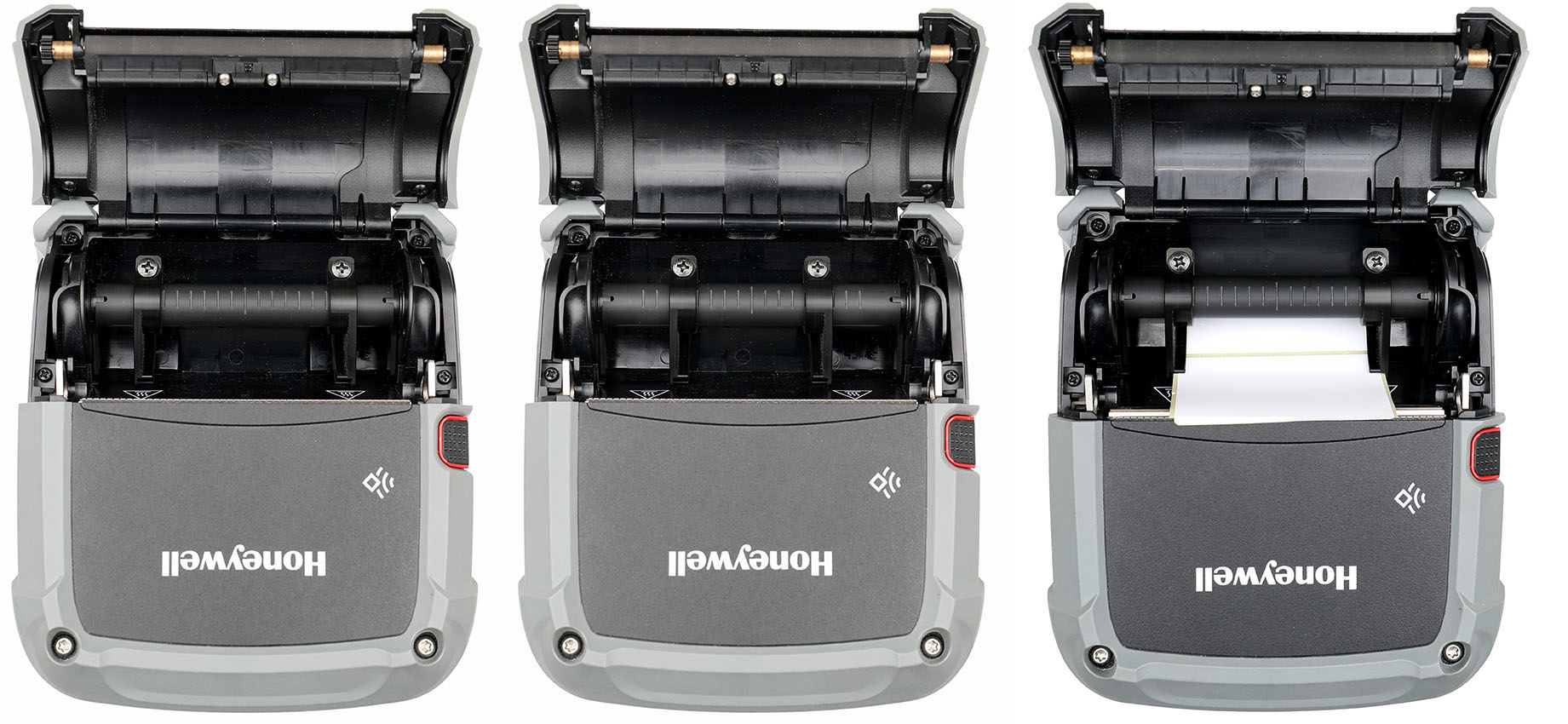
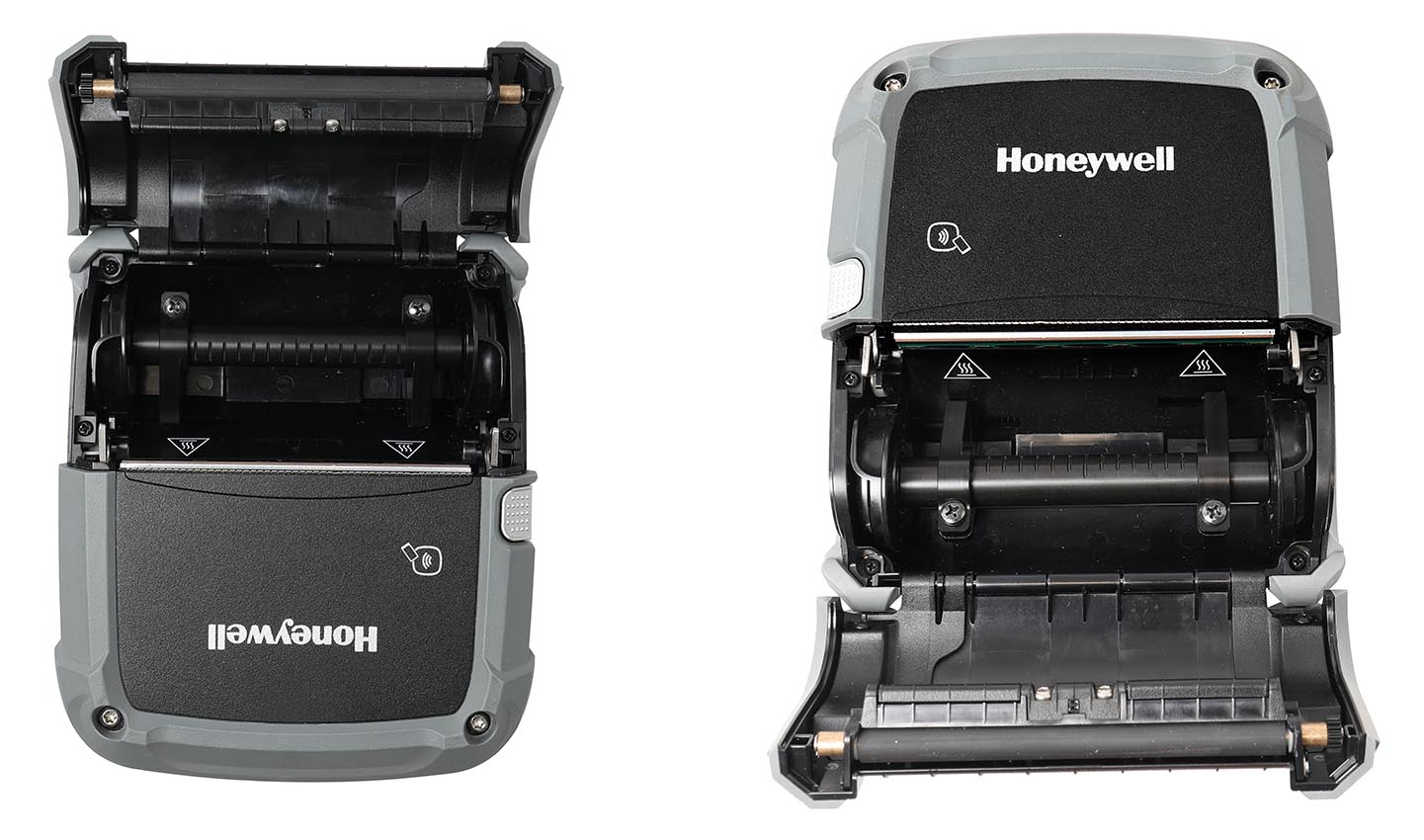
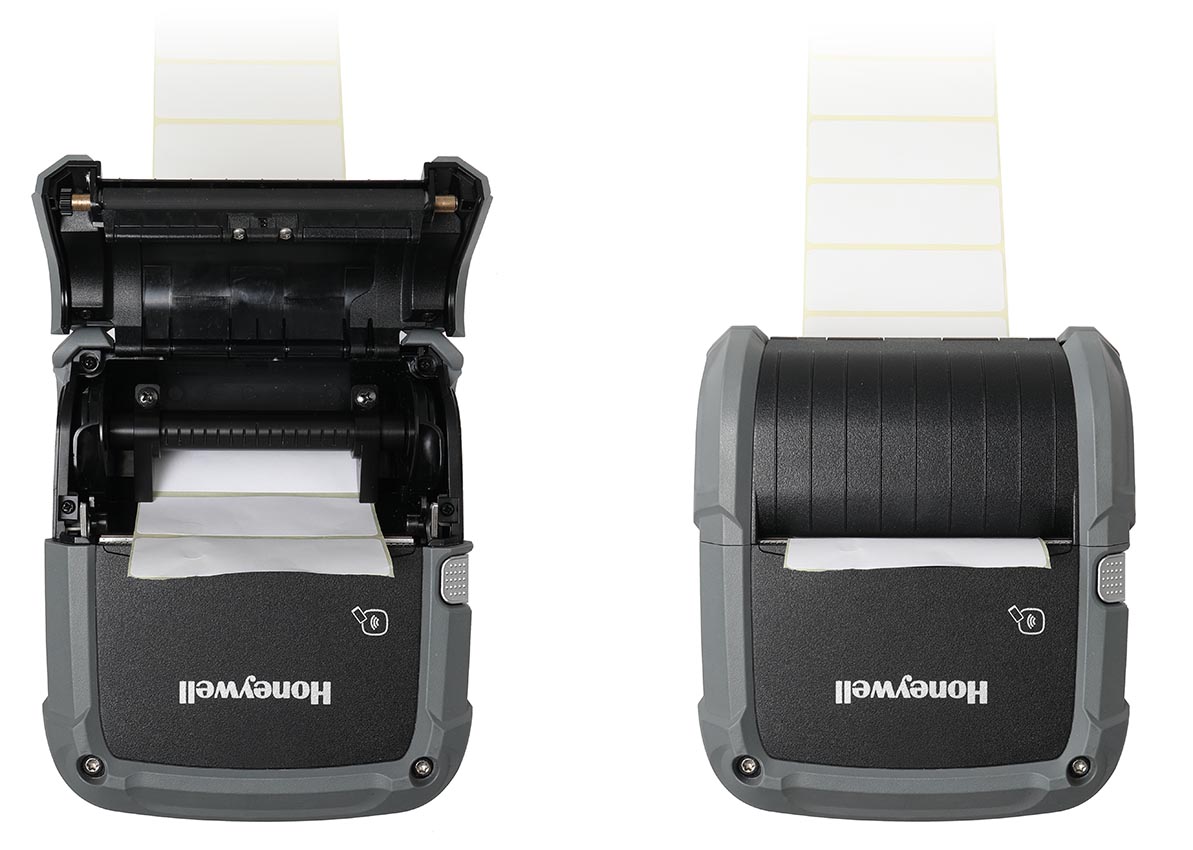
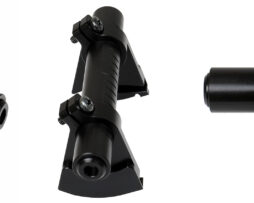
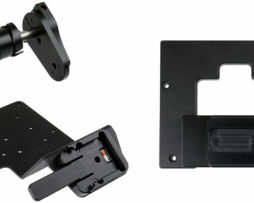
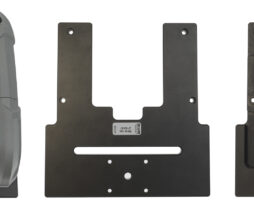
Keep labels perfectly aligned from roll to the print head, for smooth operation with different label widths. The adjustable label guides align the labels centrally guaranteeing smooth feeding without jamming and precise print placement every time, even with external rolls.
For optimal performance and reliable feeding, we recommend using this product together with holder 217072, which is designed to provide stable roll support when working with external label rolls.

Please read all of the instructions and look at the pictures before attaching the holder.
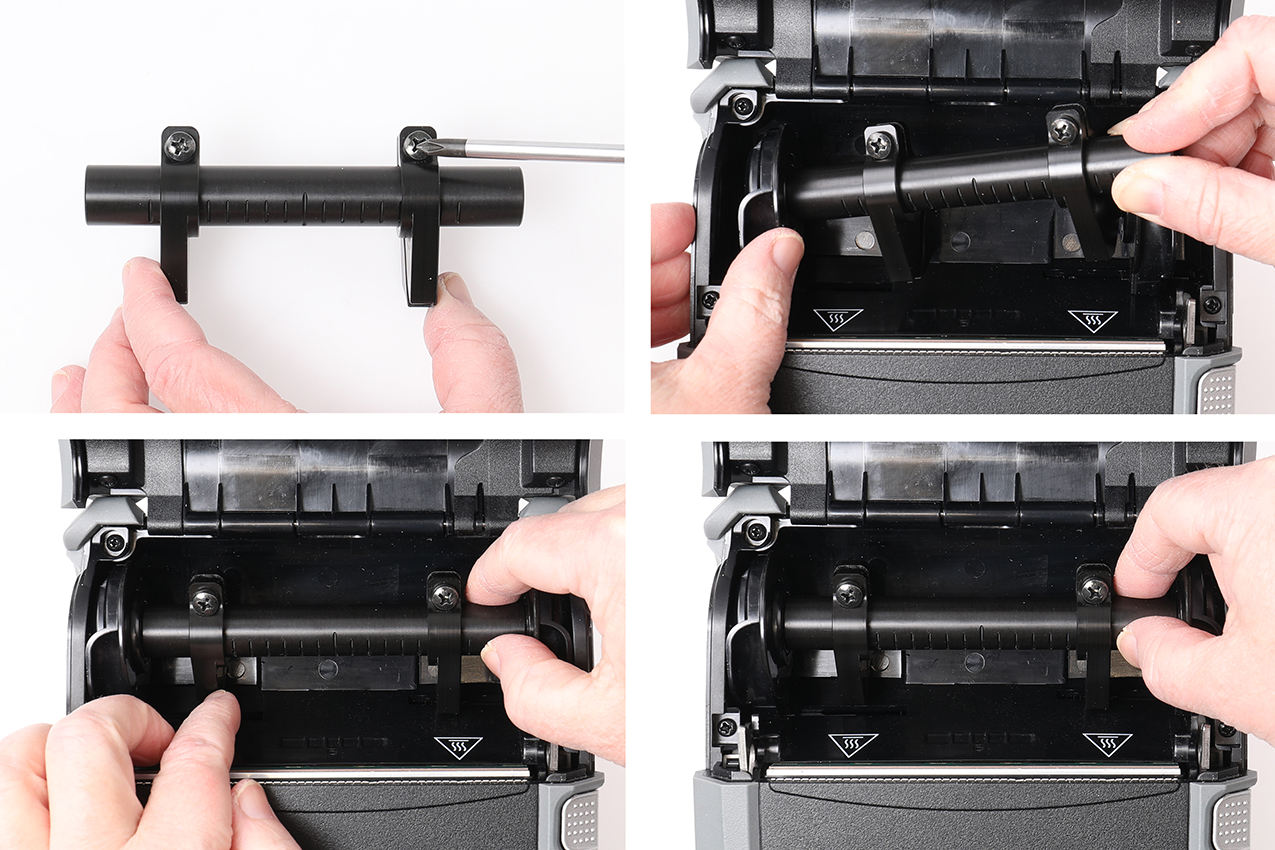
1. Loosen the screws slightly so that the guide arms can be angled. Pull the attachment points apart and place the label guide inside the printer.
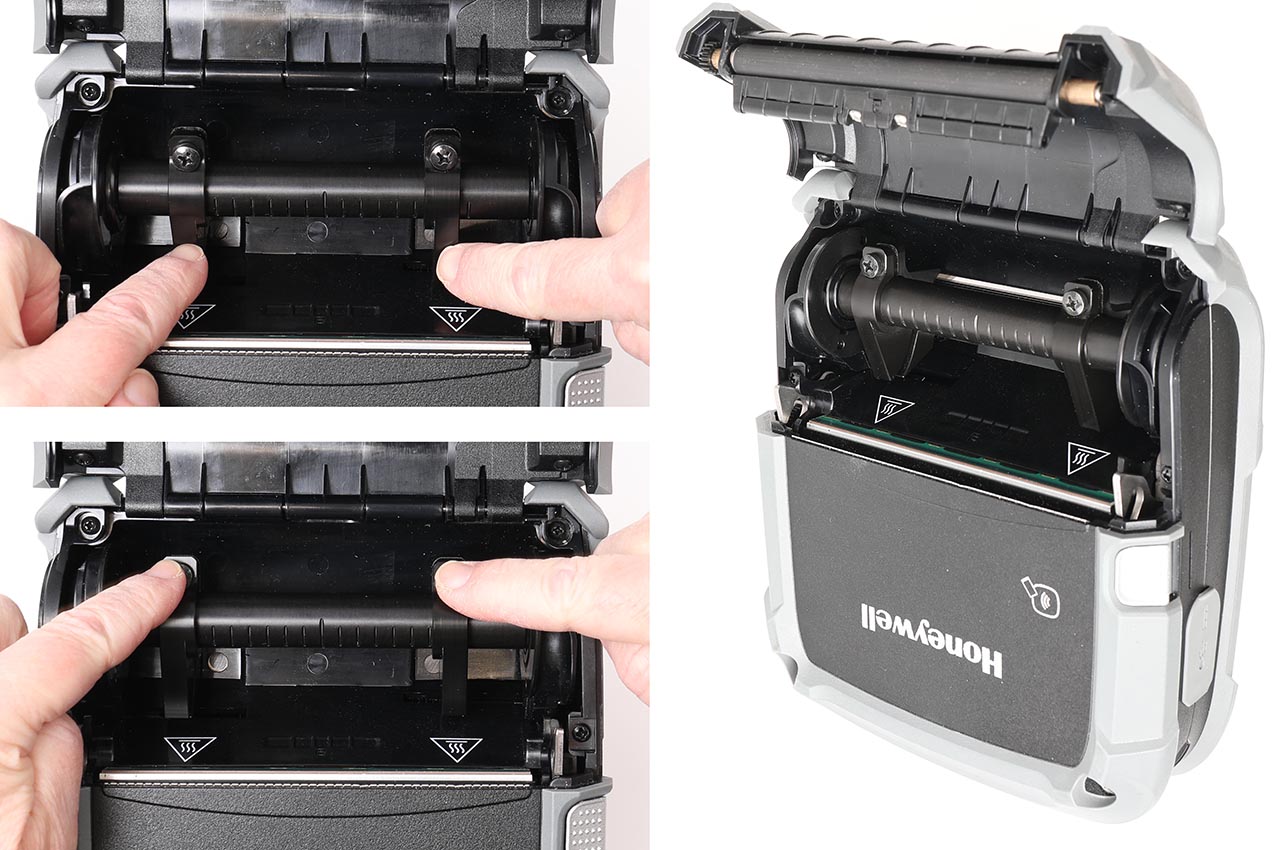
2. Press down on the locking arms at the screws until the locking arms click into the marked recess. Check that both arms have clicked in and are securely fastened.
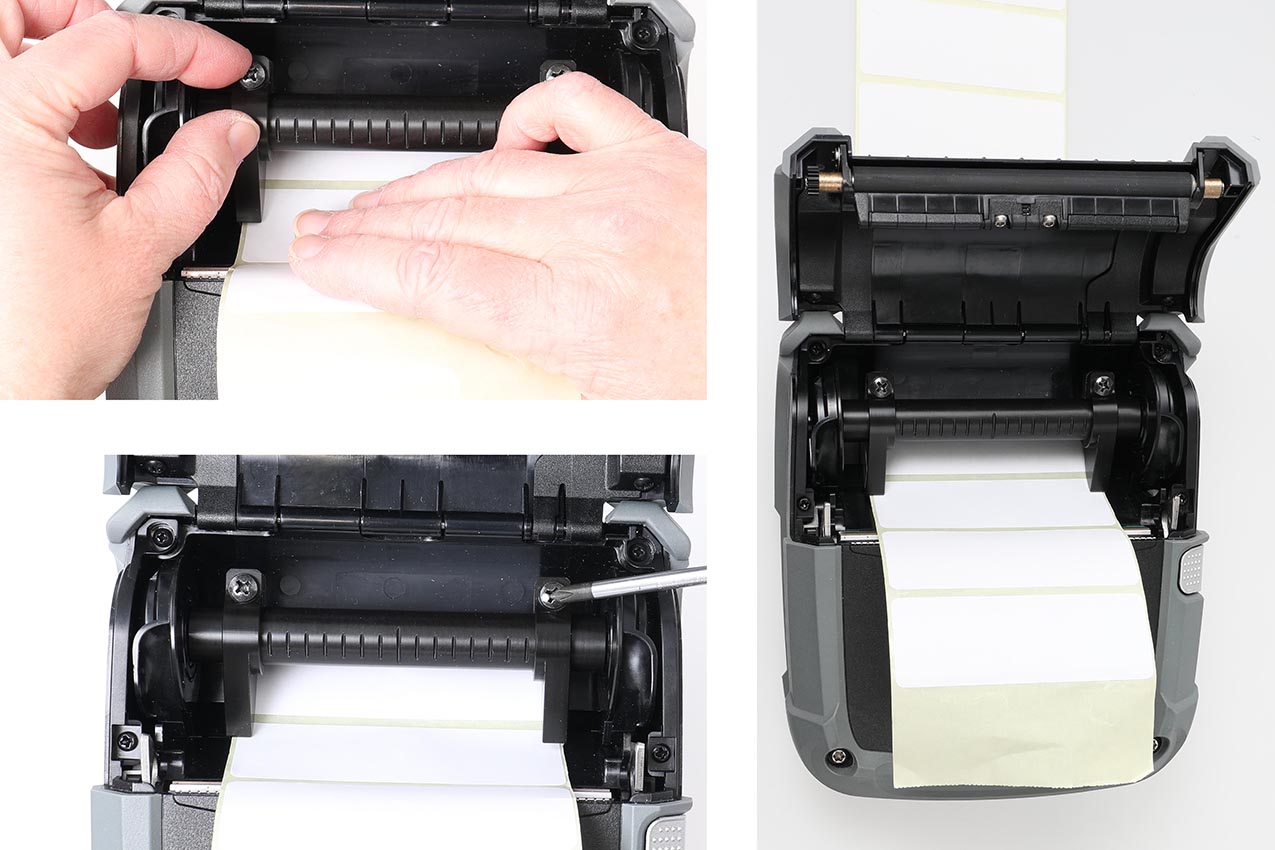
3. Adjust the guide rails to fit the width of the label roll you are using, then tighten the screws.
4. The label guide is now properly installed.