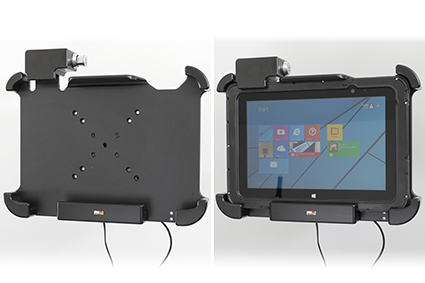
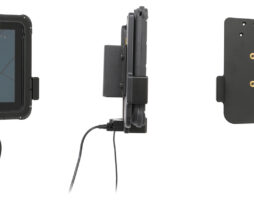
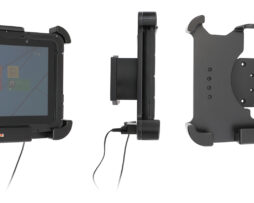
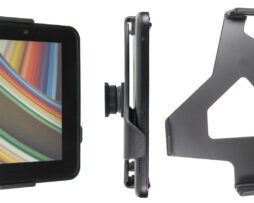
Charging cradle

539892

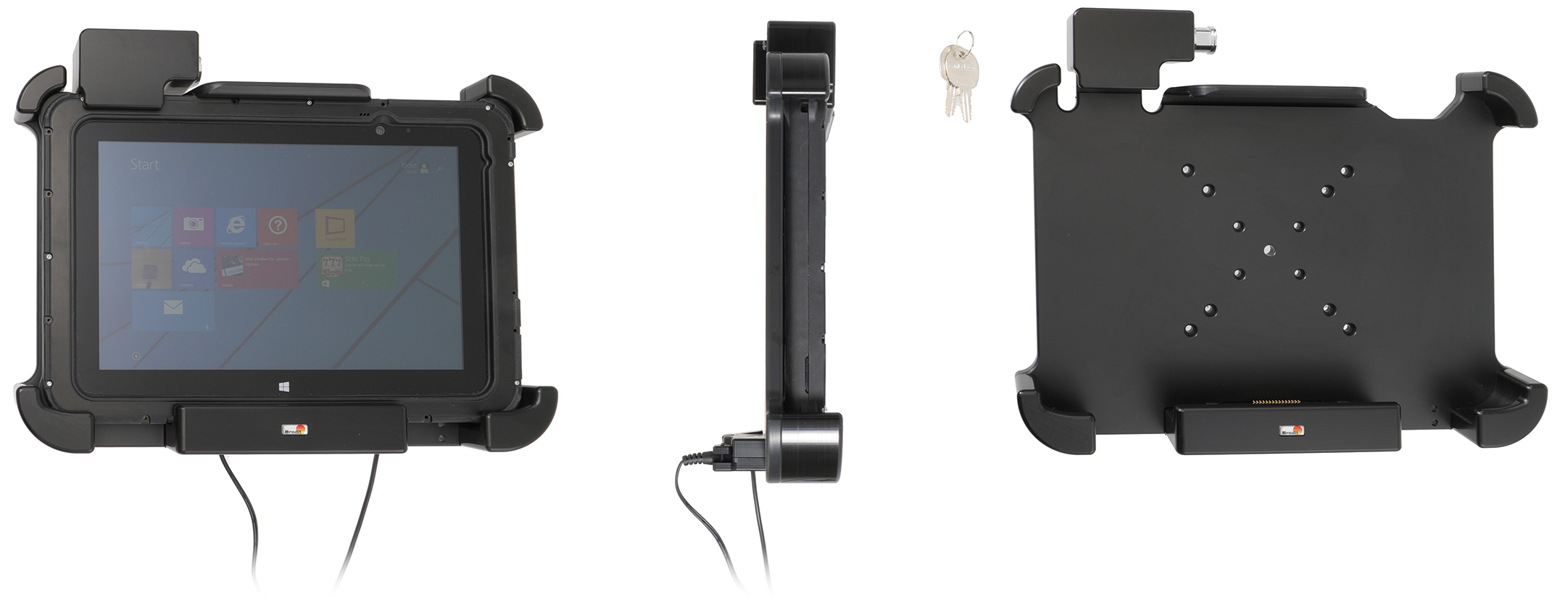
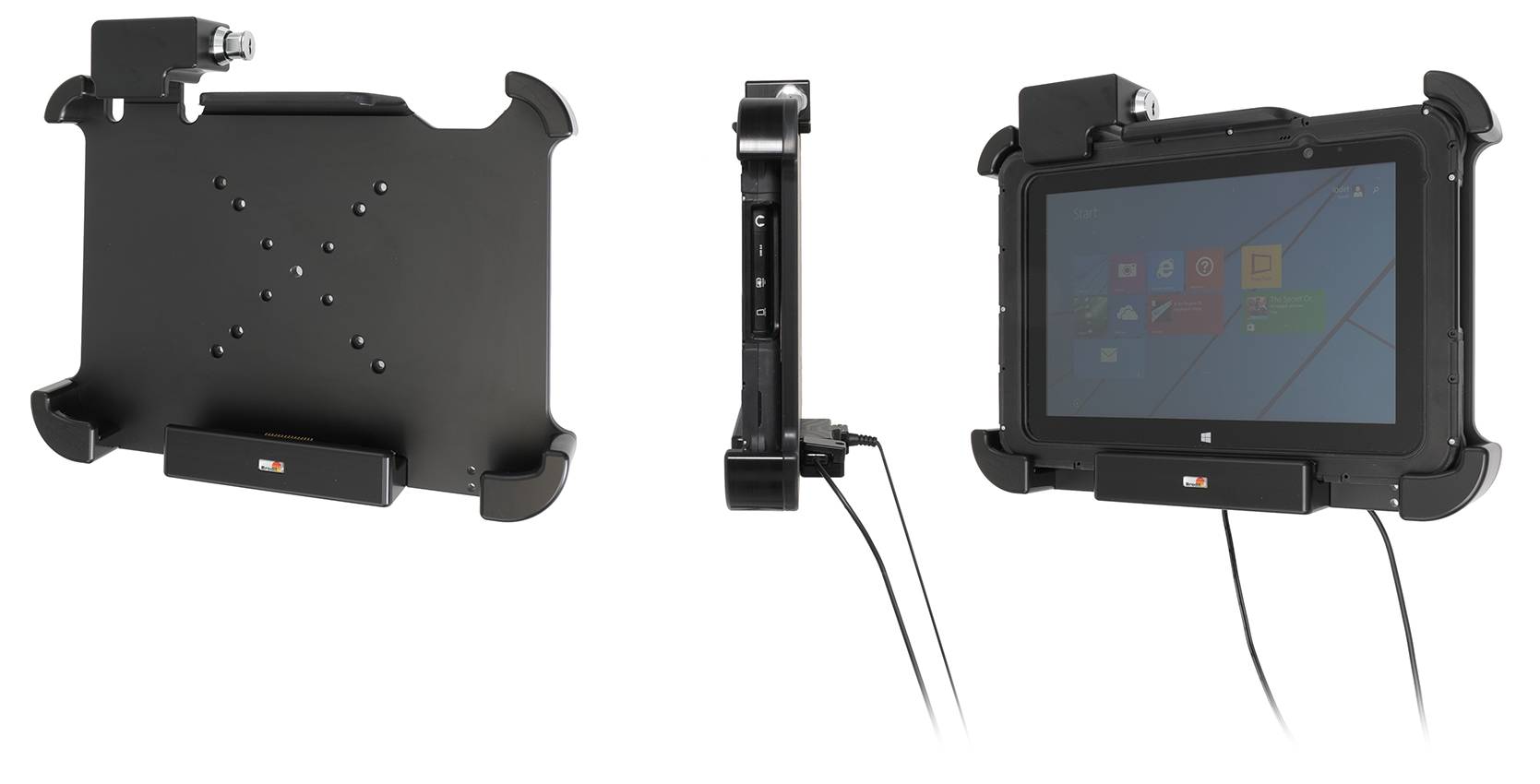
With lock, 2 keys. Fits devices with rugged frame. With USB Host and DC power connector (power supply NOT included). For 30 pin connector.

€638,00

Su ordinazioneOrdina ora, spediamo il 07/10/2026

Disponibile su ordinazione

Codice Brodit539892
EAN7320285398924
TipologiaCharging cradle

Compatibilità

Questo prodotto è compatibile con i modelli elencati qui sotto. Usa la ricerca per trovare il tuo, poi apri la pagina del modello per vedere tutti i supporti disponibili.

Descrizione

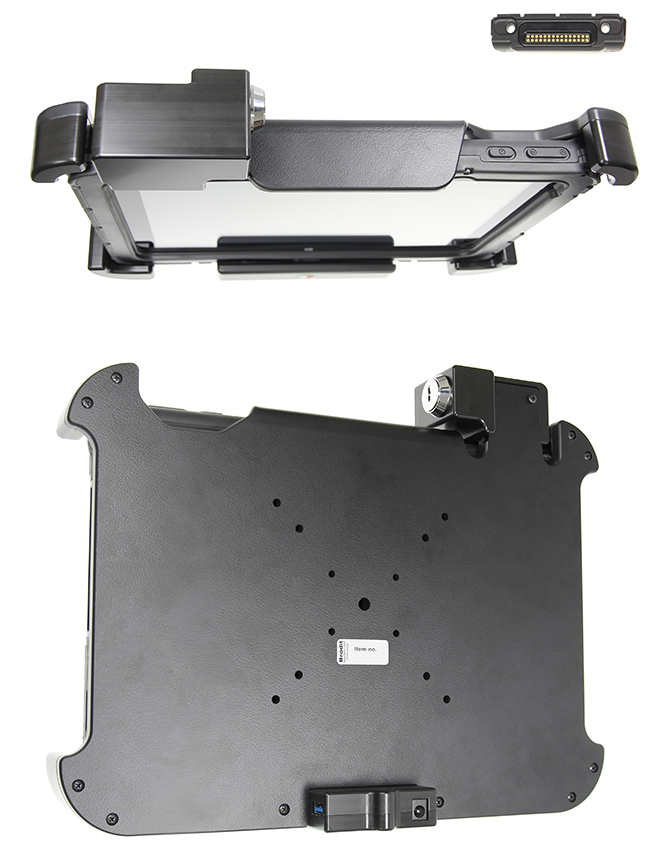
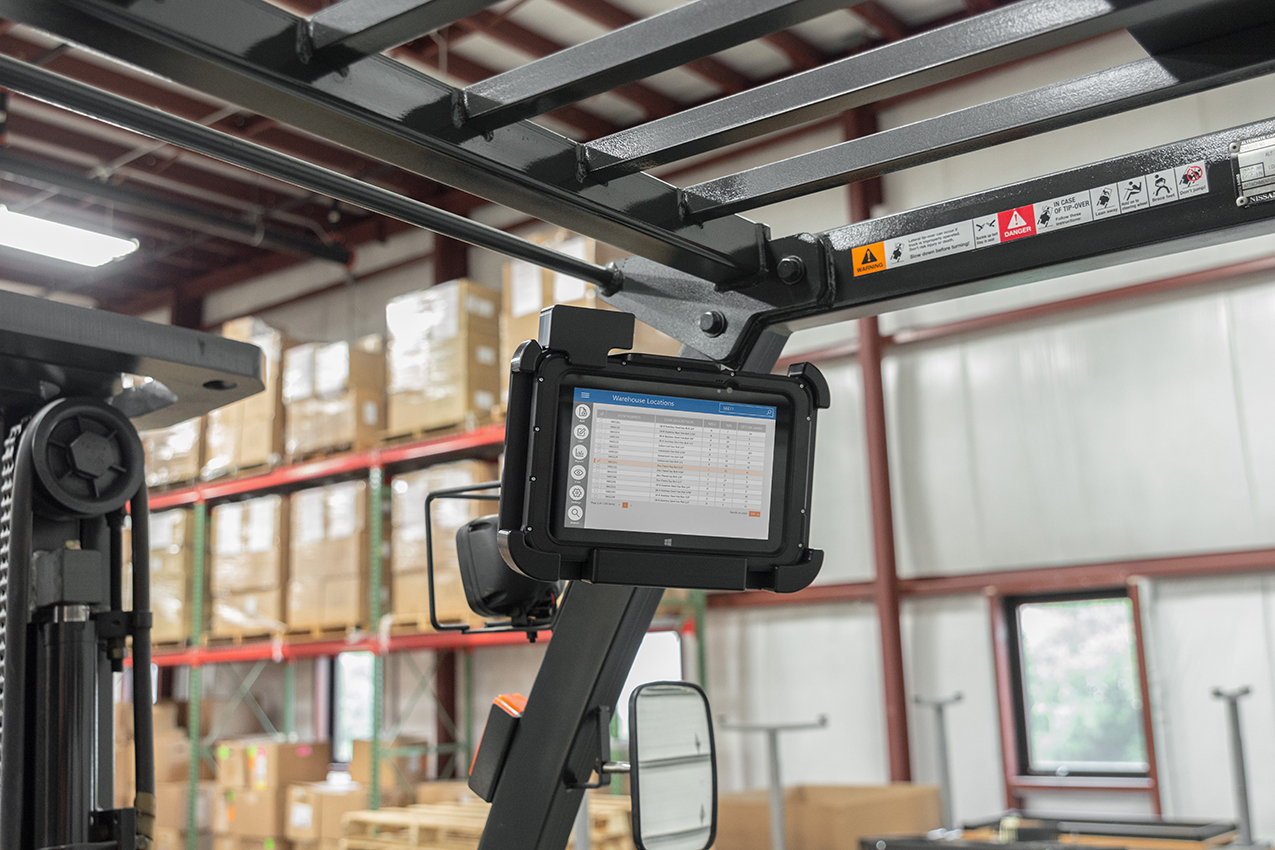
This holder is the perfect choice when you want to have your device securely locked in place and still easy accessible. Custom fit for devices with rugged frame ( NOT for expansion module/handstrap). The holder has an extra robust design for an extra secure fit and is equipped with a lock. In order to remove the device from the holder you need a key (two keys are included). Attach the holder to any flat surface or a Pedestal Mount in a truck, distribution vehicle, warehouse etc. Predrilled AMPS and VESA standard holes. You have full access to the camera and all buttons and outlets when the device is in the holder.
 
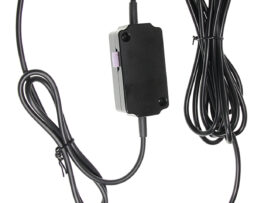
The holder has a DC connector to plug in a power supply, it charges via pogo pin connection. The power supply is NOT included in the holder, add one of these products in order to get charging to your device:
Item no. 941017    Cable with cigarette ligther plug, straight cable, 12V out, 3A. 12V in. 
Item no. 941012    Hard wire cable for fixed installation, 12V out, 3A. 12V in.   
Item no. 941023    Cable with cigarette ligther plug, straight cable, 12V out, 3A. 12/48V in.
Item no. 941024    Hard wire cable for fixed installation, 12V out, 3A. 12/48V in.
 
The holder has a USB Host connector for data connection.     
 
Made in Sweden. Made of high grade ABS and Acetal plastic. Color: Black. Devices should not be installed onto a vehicle's dashboard if blocking the view or key controls. An installation of a device in a vehicle is always done on the customer's own responsibility.

Istruzioni di montaggio

Please read all of the instructions and look at the pictures before attaching the holder.

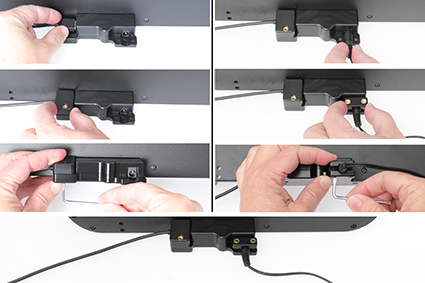
1. Attach the cables: Connect the cable in the port. Place the enclosed lid over the cable and attach it with the enclosed screw.

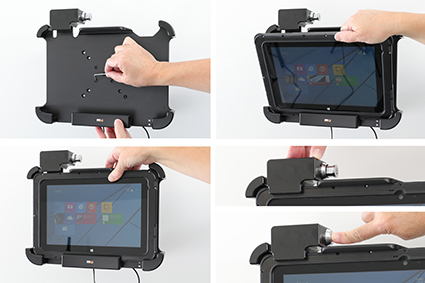
2. Place the holder onto the desired position and screw into place with the enclosed screws.
To place the device in the holder: Place the lower part of the device in the holder, then flip/press the upper part forward so it snaps into place in the holder. Push the lock block downward and press the button to lock.

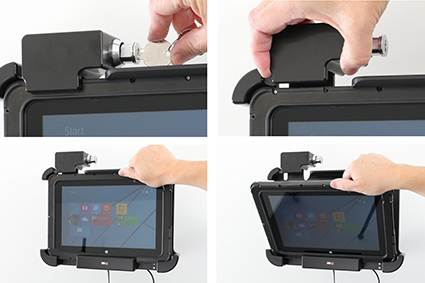
3. To remove the device from the holder: Use the enclosed key to open the lock. Slide the lock block upward. Press upwards on the upper part of the holder, in the same time pull the upper part of the device out from the holder and then lift the device up and out from the holder.

4. The holder is in place.