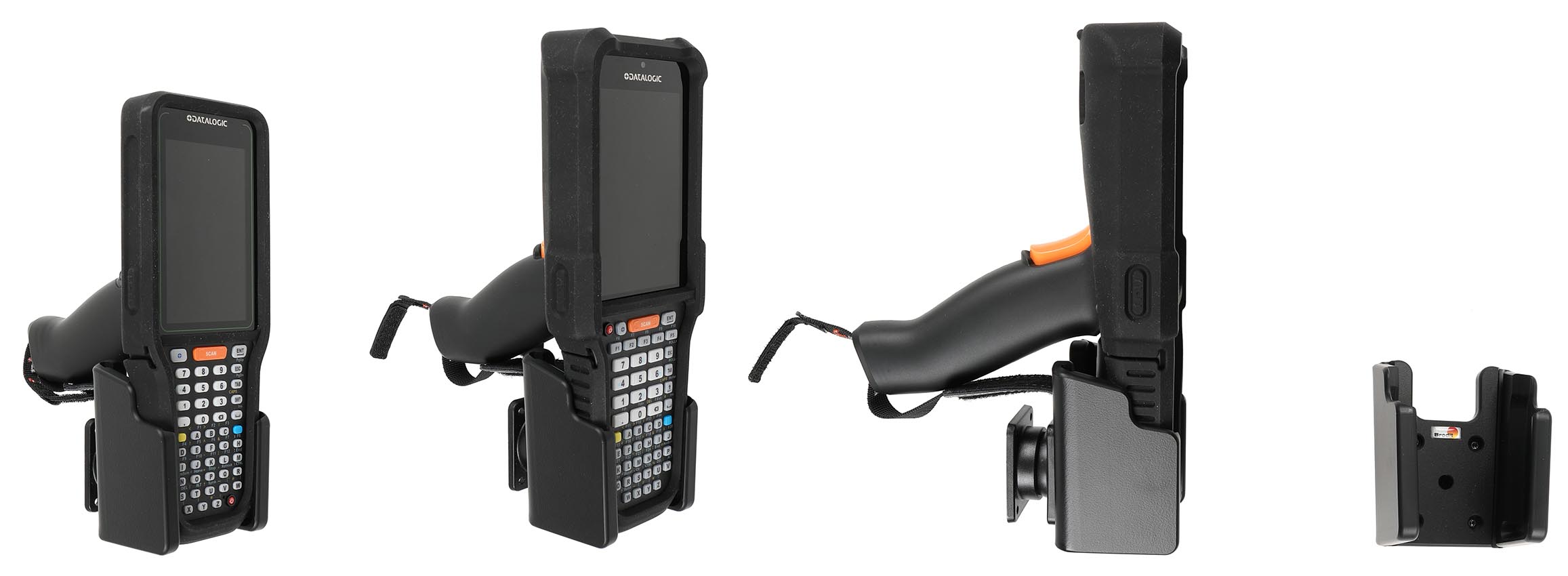
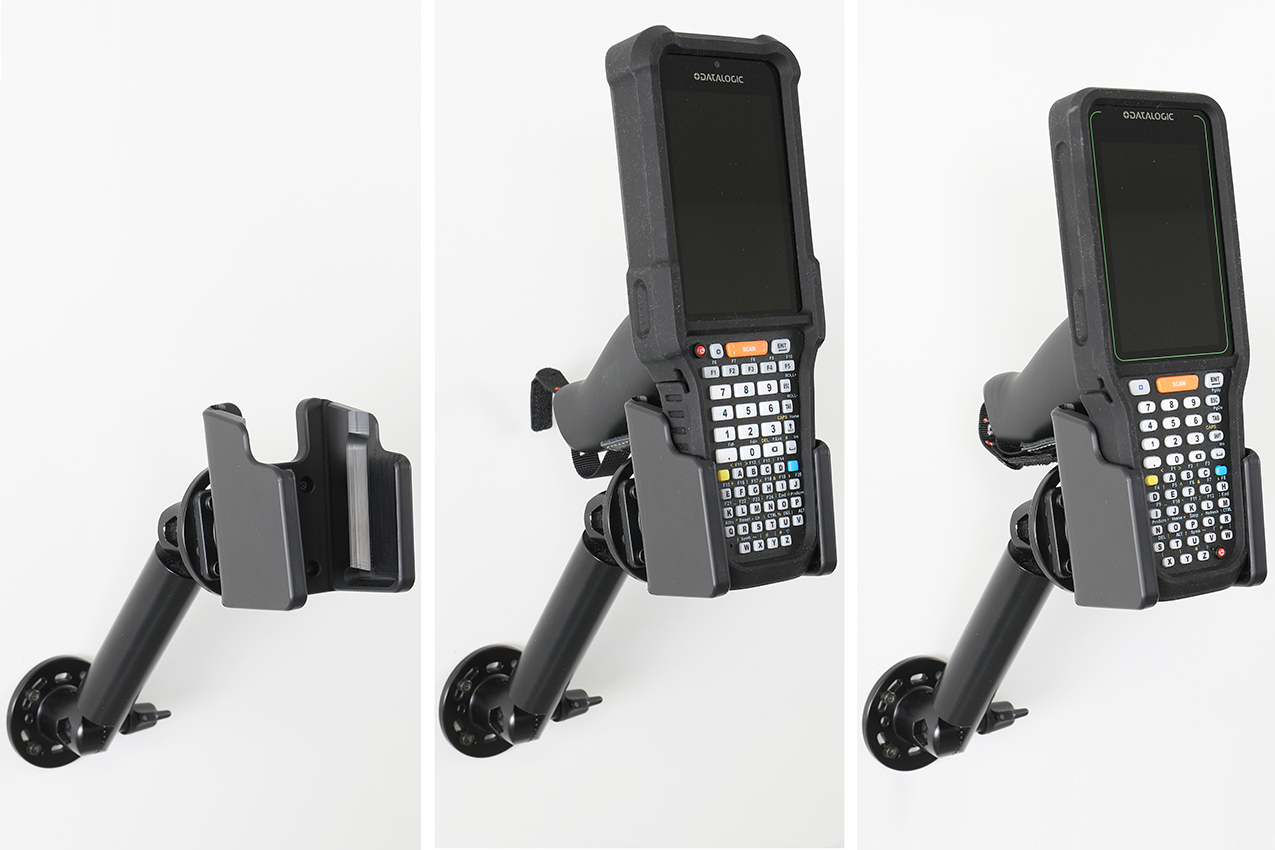
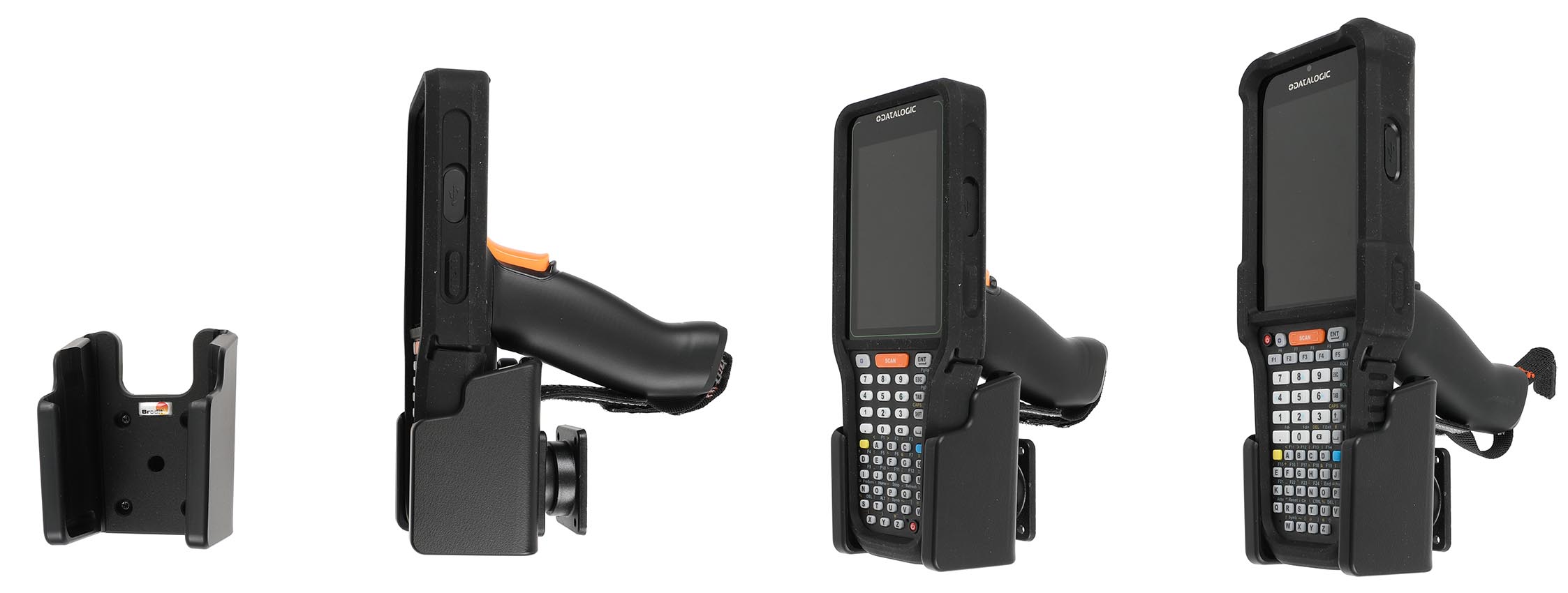
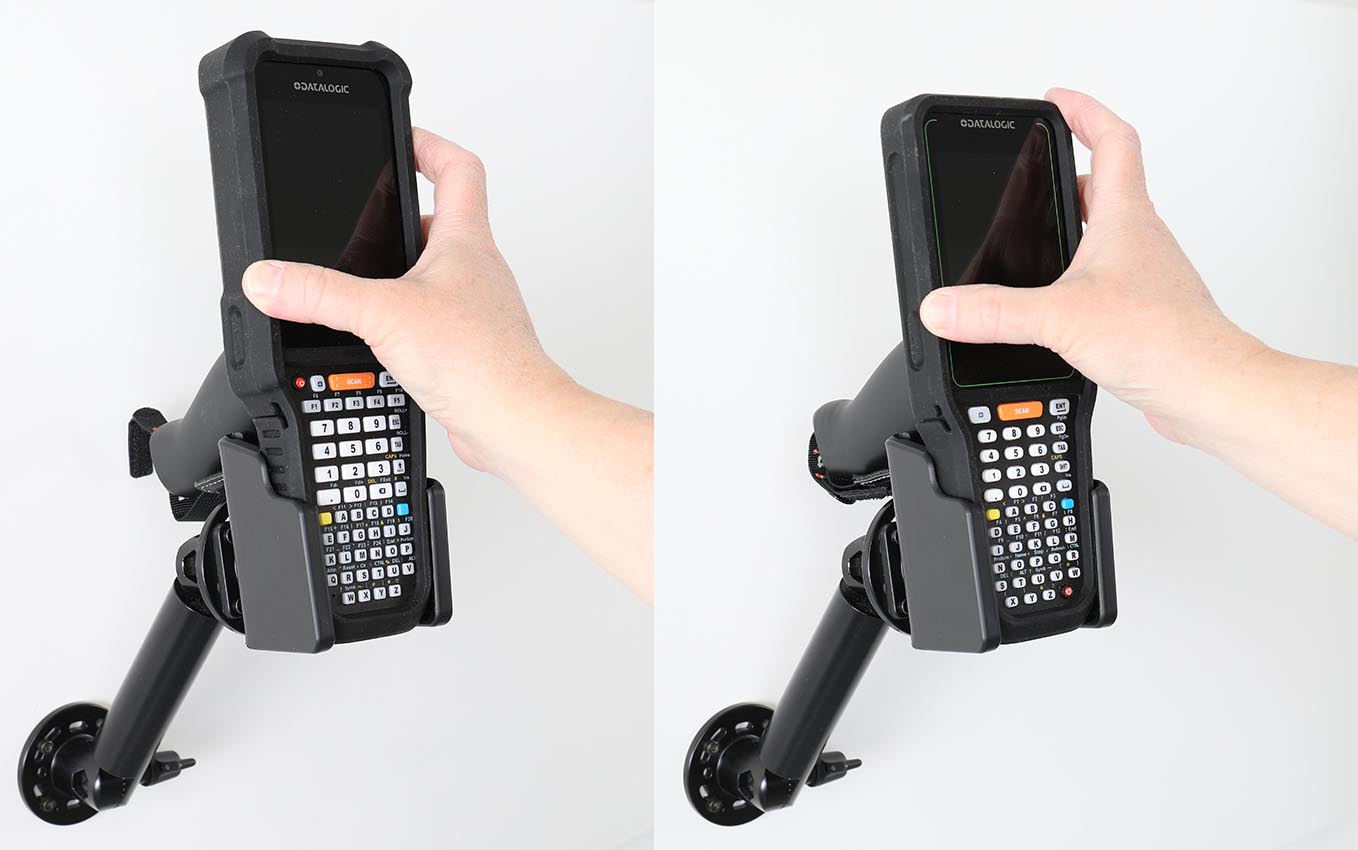
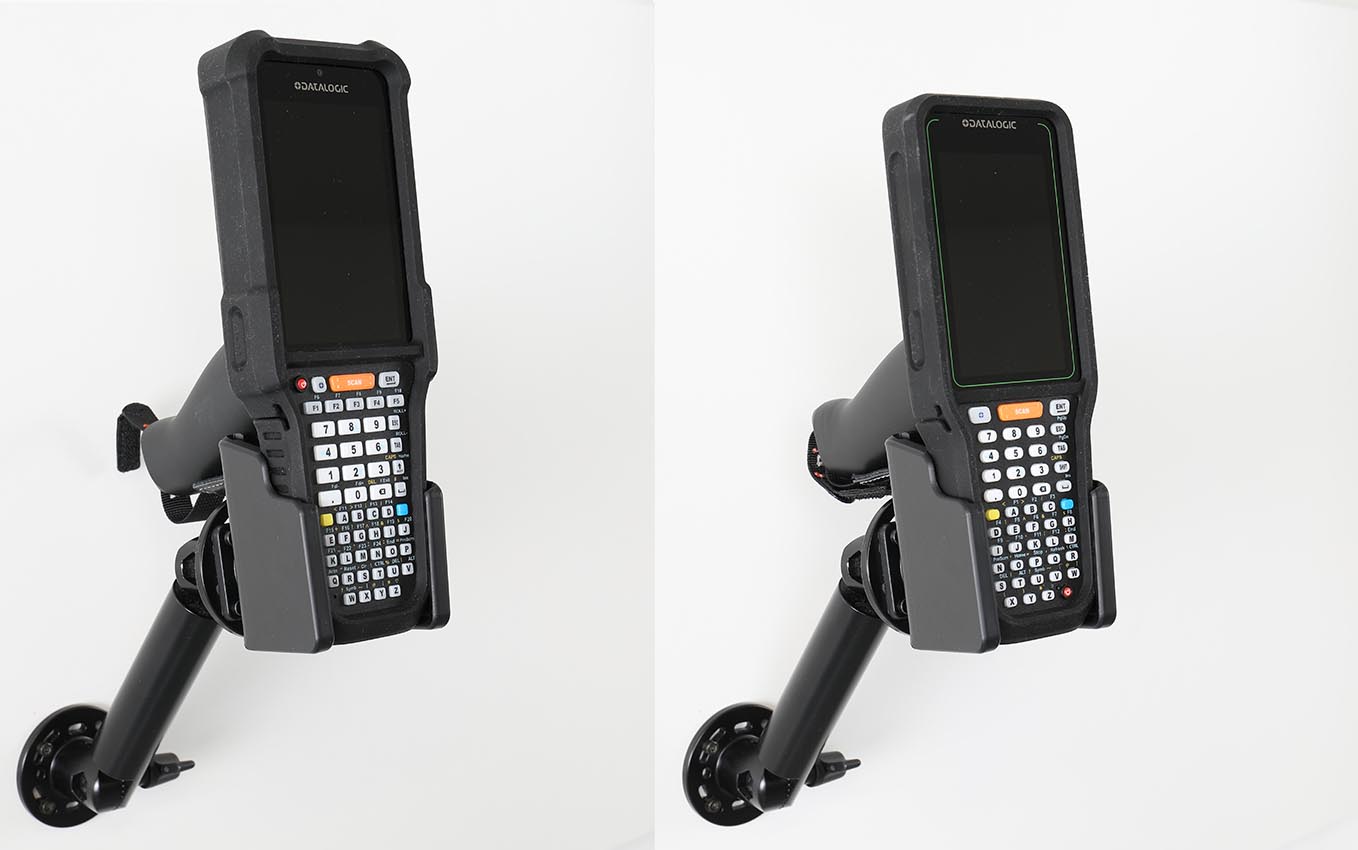
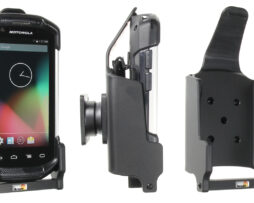
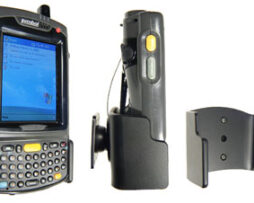
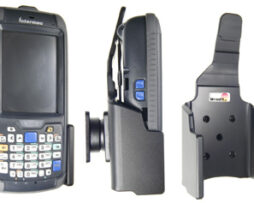
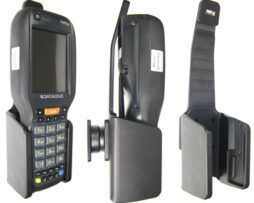
Datalogic Falcon X60/X65 and Skorpio X40/X45 are rugged mobile computers that combine high performance, fast barcode scanning, and long battery life to streamline workflows in warehousing, logistics, and retail. Keep your device secure and always within easy sight and reach throughout the workday. This passive holder provides a stable mounting solution, giving you quick and convenient access to your device while driving. Keeping your device in a fixed, ergonomic position helps you work more efficiently, save time, and reduce unnecessary handling. Custom-designed for devices with a pistol grip and original rubber boot (Falcon 94ACC0442, Scorpio 94ACC0441), ensuring a perfect fit while maintaining full access to the camera, buttons, and ports. A charging cable or hands-free accessory can be connected while the device remains securely mounted in the holder.
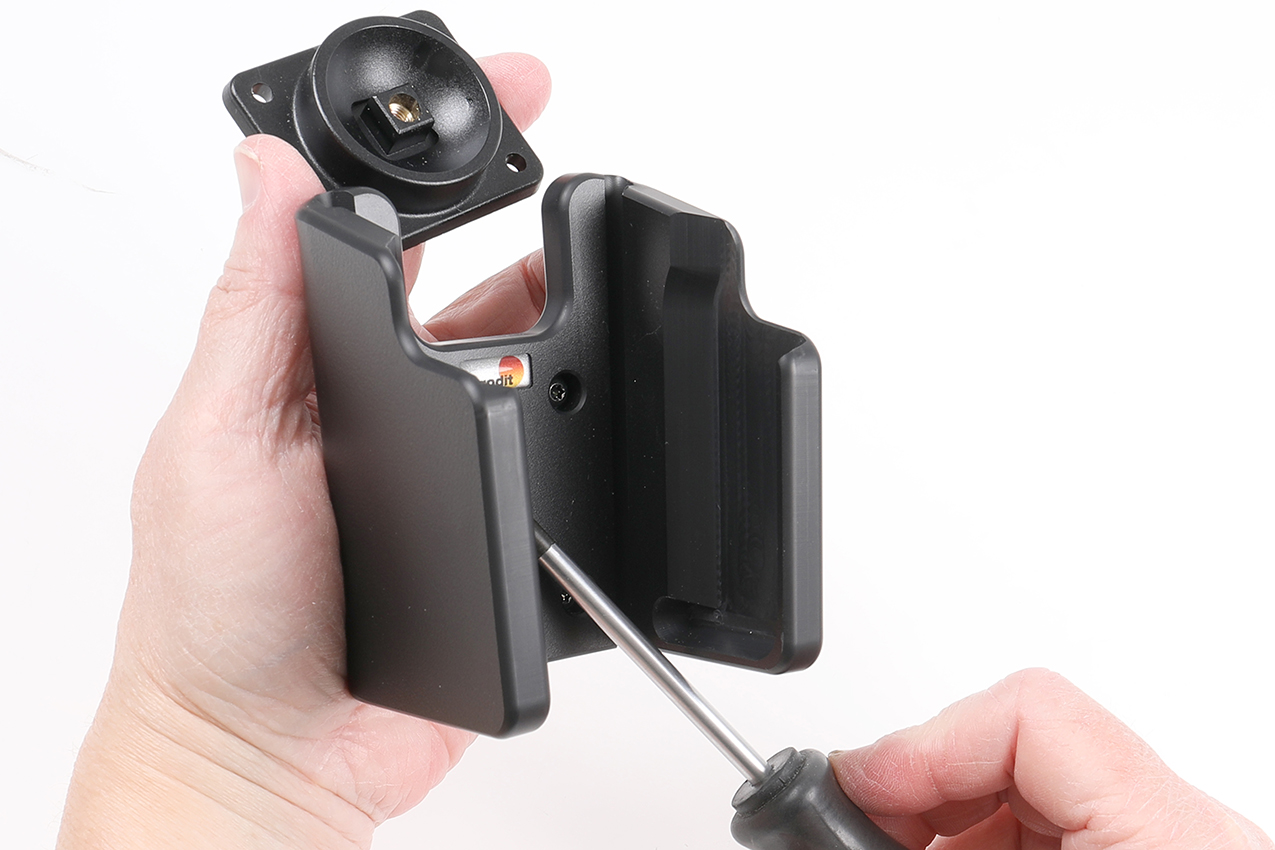
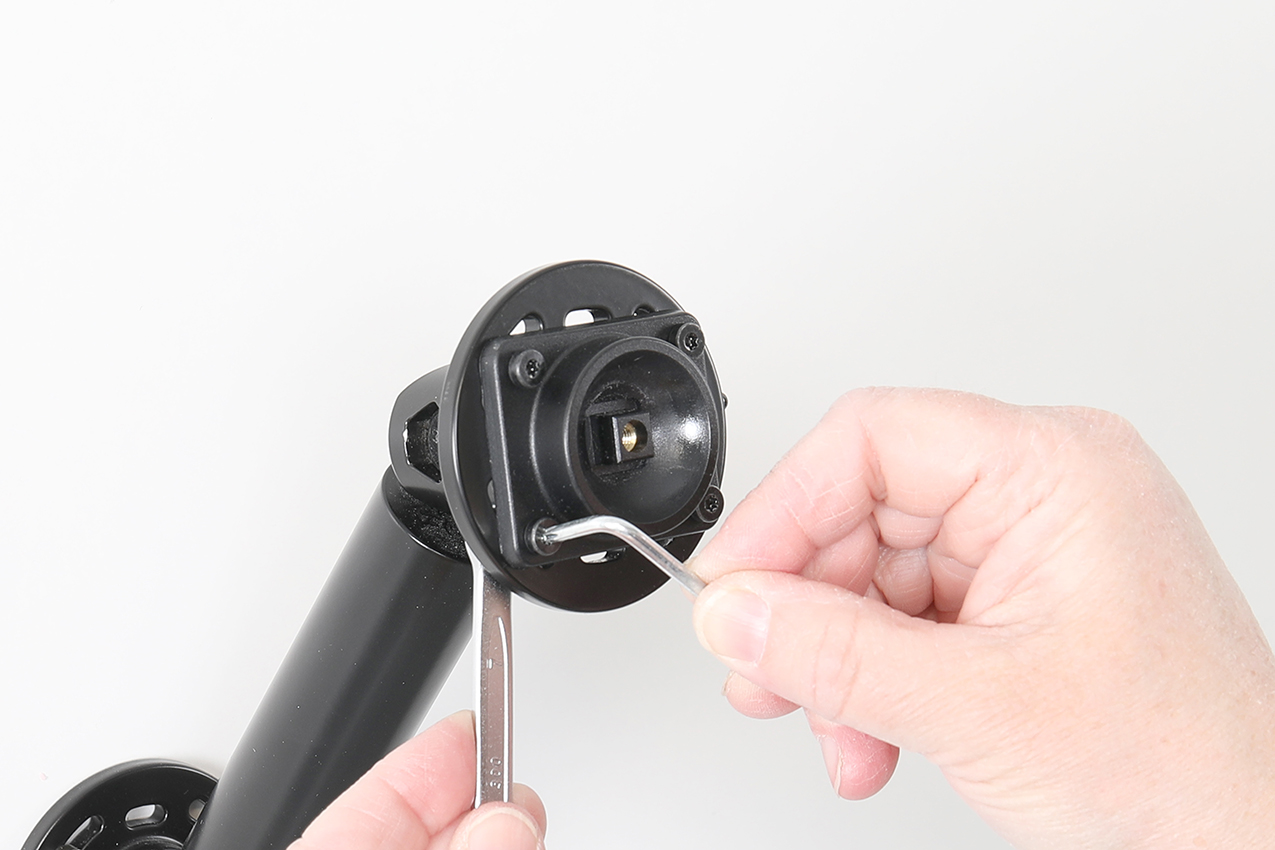
The holder is equipped with a tilt swivel, allowing you to easily adjust the viewing angle or switch between portrait and landscape orientation. Tilts 17° and swivels 360°. Mounting plate: 42 × 50 mm with 4 mm AMPS standard holes. Made of high-grade black ABS plastic. Made in Sweden.
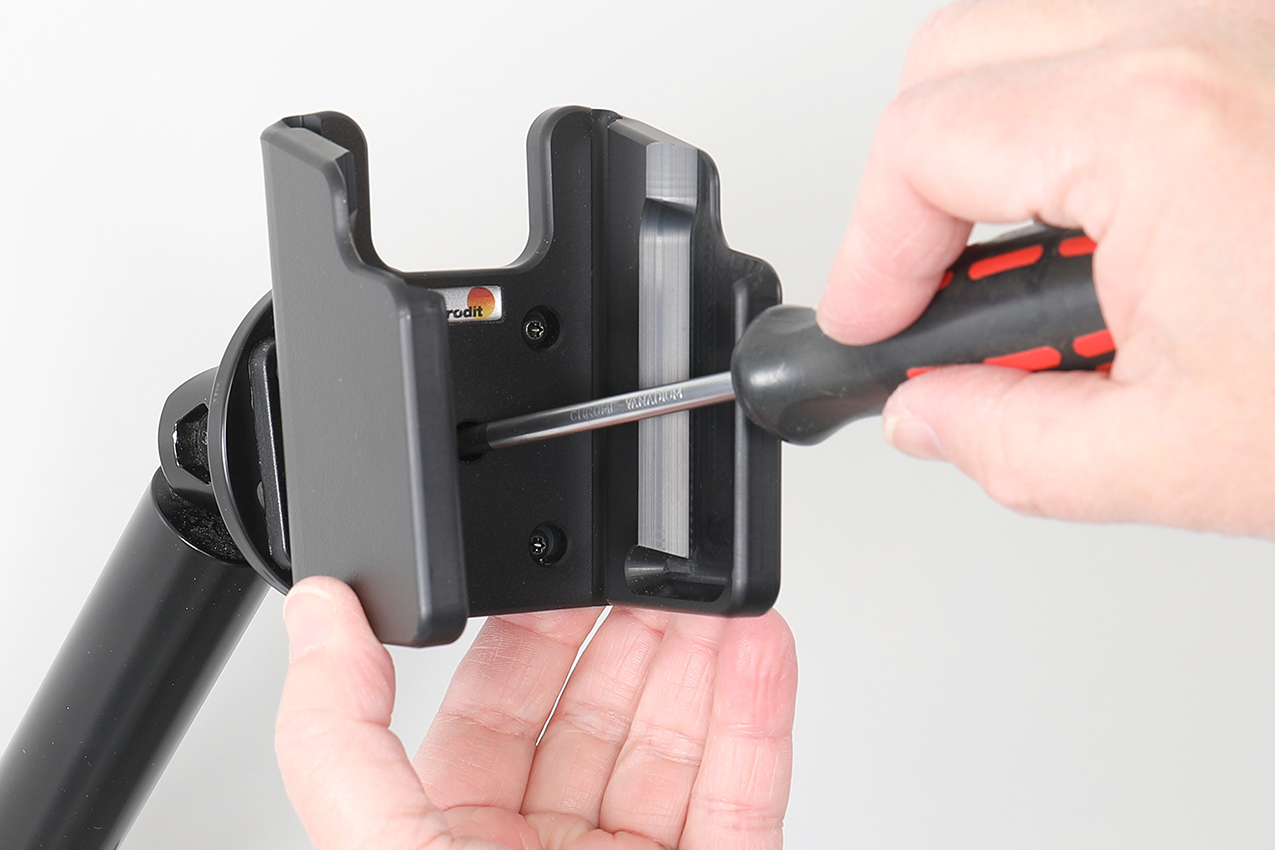
Mount the holder on a Brodit Pedestal Mount to keep your device securely in place and within easy access. The flexible mounting options make it easy to create an ergonomic setup that helps you work more efficiently and save time, whether in a vehicle, workplace, or other professional environment.