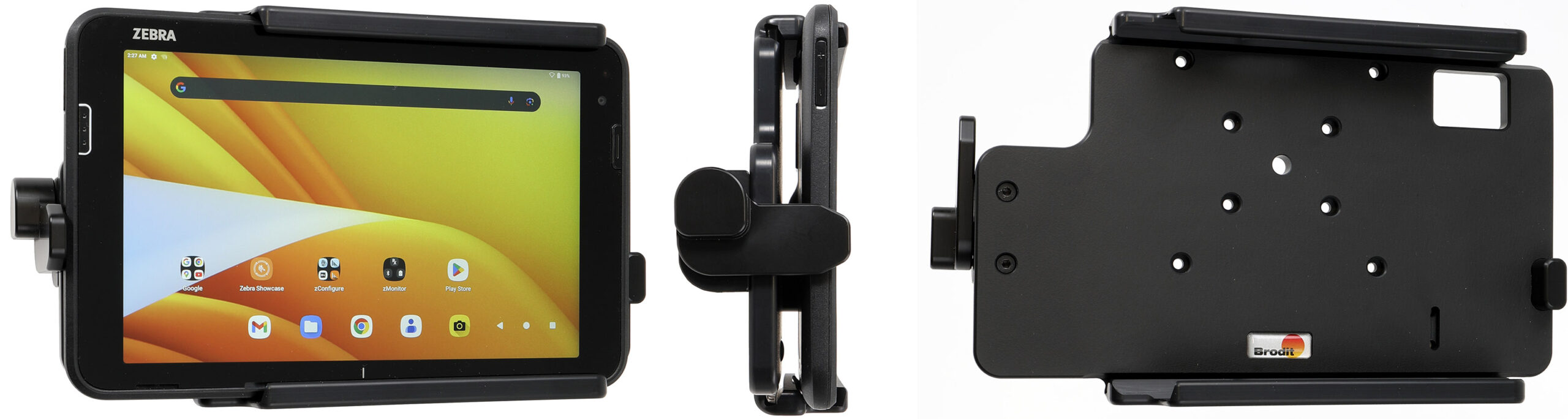
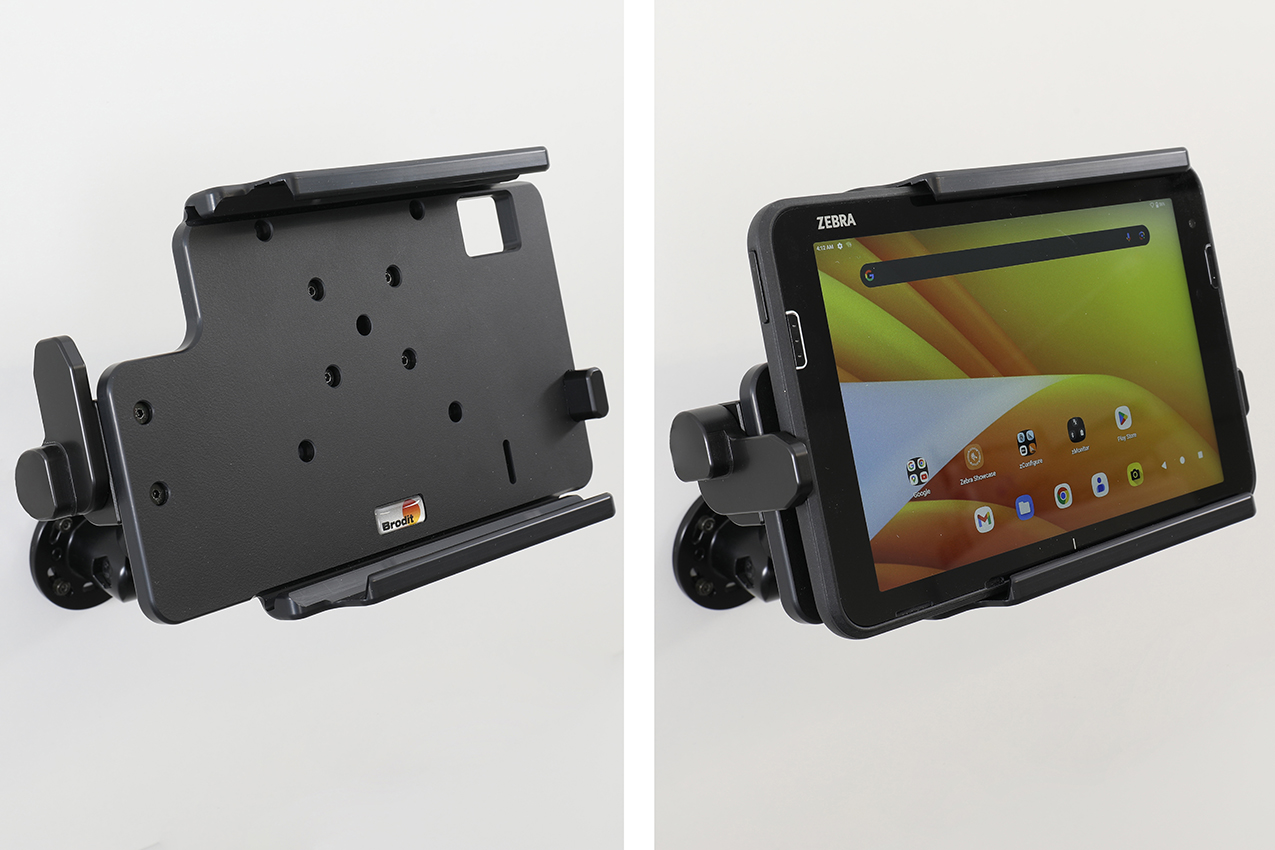
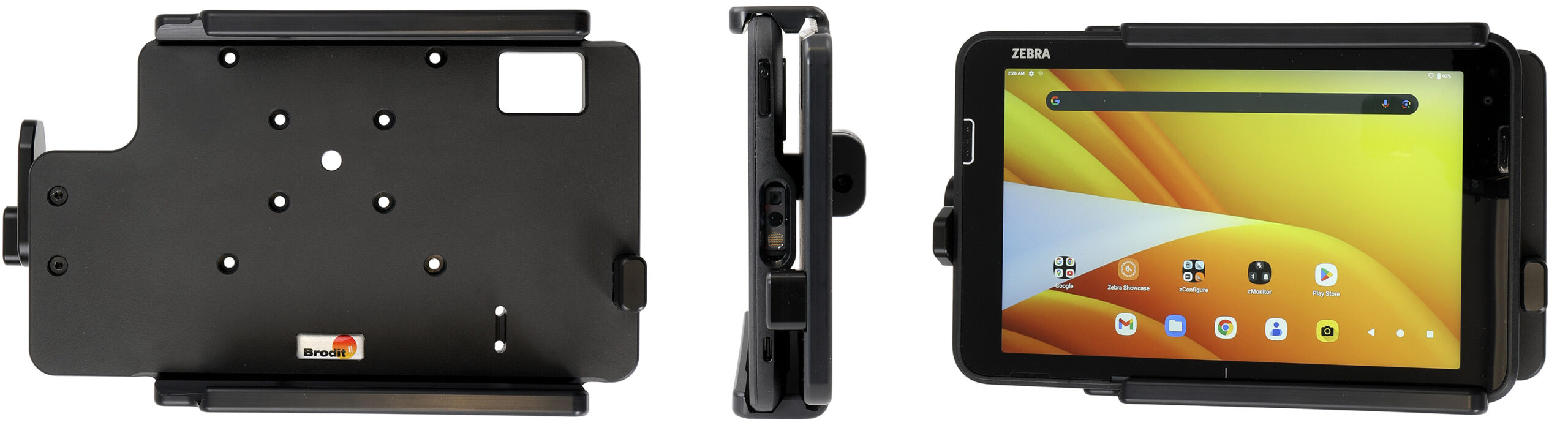
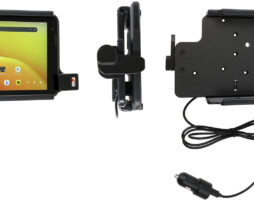
Fits devices without Rugged Boot / Exoskeleton, Zebra original expansion back. With AMPS, VESA 75 holes. Module Upgrade Cradle.
€146,00
Su ordinazioneOrdina ora, spediamo il 07/10/2026
Disponibile su ordinazione
Codice Brodit
741466
EAN
7320287414660
Tipologia
Holder with retention-lock
Compatibilità
Questo prodotto è compatibile con i modelli elencati qui sotto. Usa la ricerca per trovare il tuo, poi apri la pagina del modello per vedere tutti i supporti disponibili.
The Zebra ET401 serie Module Upgrade Cradles from Brodit are designed to withstand frequent wear and tear in professional every day use, providing a more productive working day and better working environment with your device within sight and reach. Safe, efficient and convenient!
This cradle is the perfect choice when you want to have your device firmly in place while easy accessible. The retention-lock keeps the tablet from moving sideways.
The cradle is customized with a perfect fit for devices. It has a robust design for use in a normal forklift environment. You have full access to the camera,scanner, buttons and ports while docked. Easy one-hand insertion and removal.
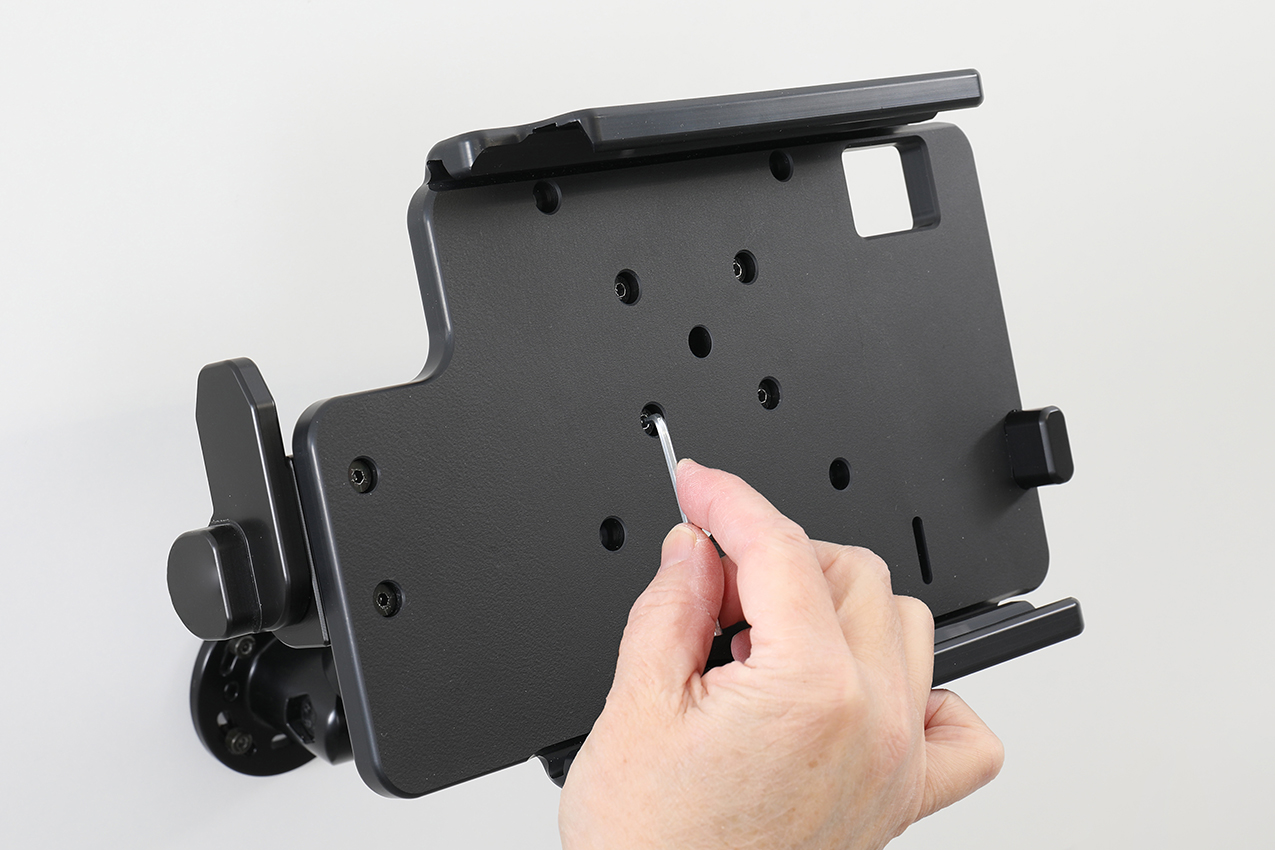
Attach the cradle onto any flat surface or Pedestal Mount in a forklift, truck, distribution vehicle, warehouse, table top etc. With 4 mm AMPS and 4 mm VESA 75 standard holes. Made of high grade ABS-, Acetal-plastic. Color: Black. Made in Sweden.
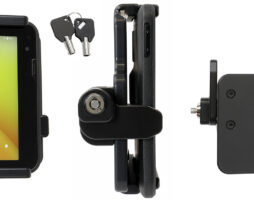
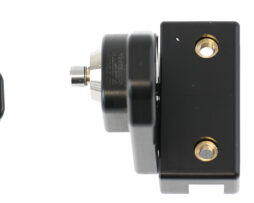
This is a Module Upgrade Cradle, this means that you can upgrade or replace features by using some of the following modules: Item no. 216500 Key lock
Choose installation placement with care, devices must not be placed in positions where they may block the view or important controls. The cradle should only be attached onto a suitable place. Installations always take place at the customer's own discretion and responsibility.
Istruzioni di montaggio
Please read all of the instructions and look at the pictures before attaching the holder.
1. Place the holder onto the desired position and screw into place with the enclosed screws.
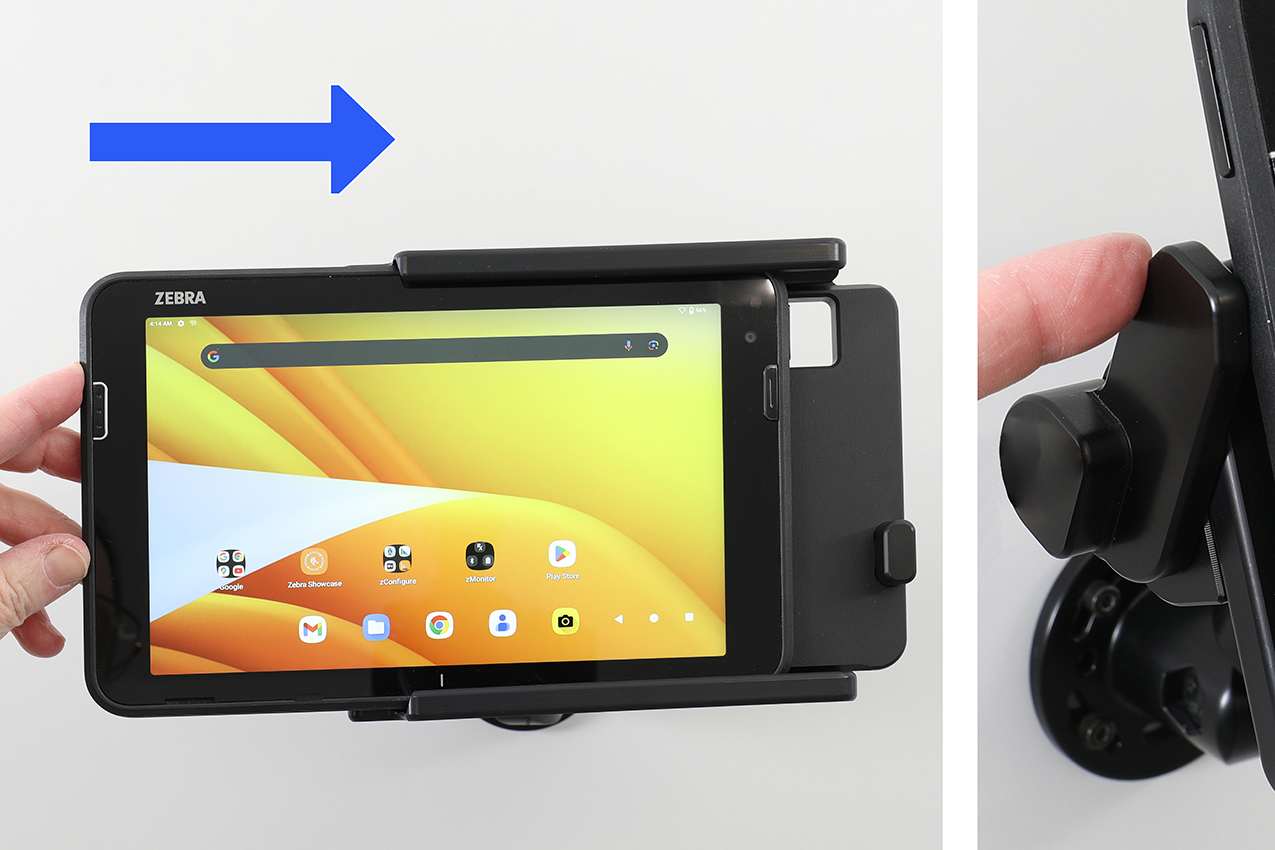
2. Slide the device sideways carefully into the holder. Press the spring stud locking downward to lock.
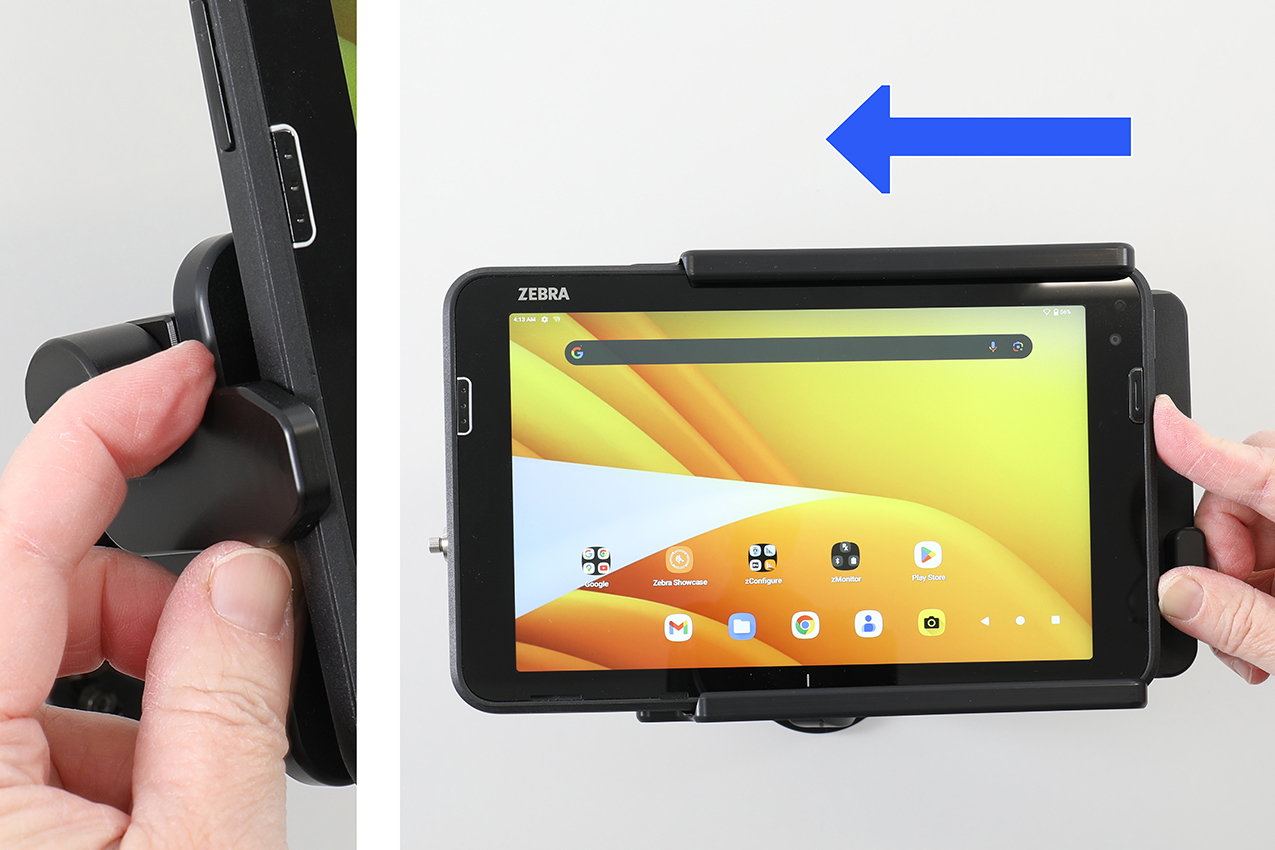
3. Press the spring stud locking upward to unlock. Slide the device sideways out of the holder.
4. The holder is in place. Switch between portrait and landscape mode by turning the holder into desired position.