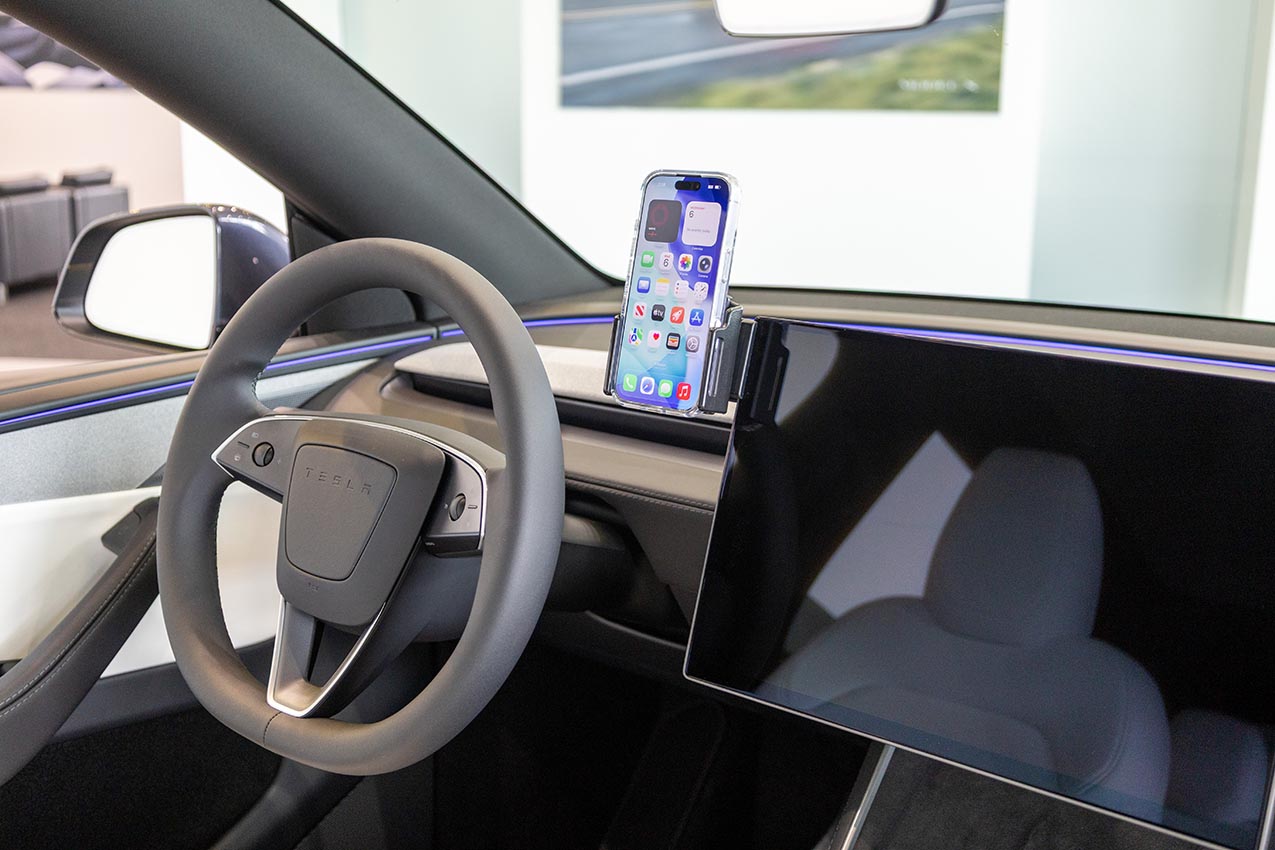
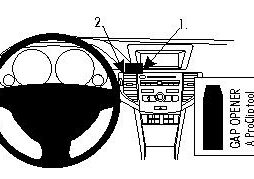
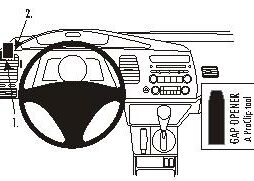
Questo prodotto è compatibile con i modelli elencati qui sotto. Usa la ricerca per trovare il tuo, poi apri la pagina del modello per vedere tutti i supporti disponibili.
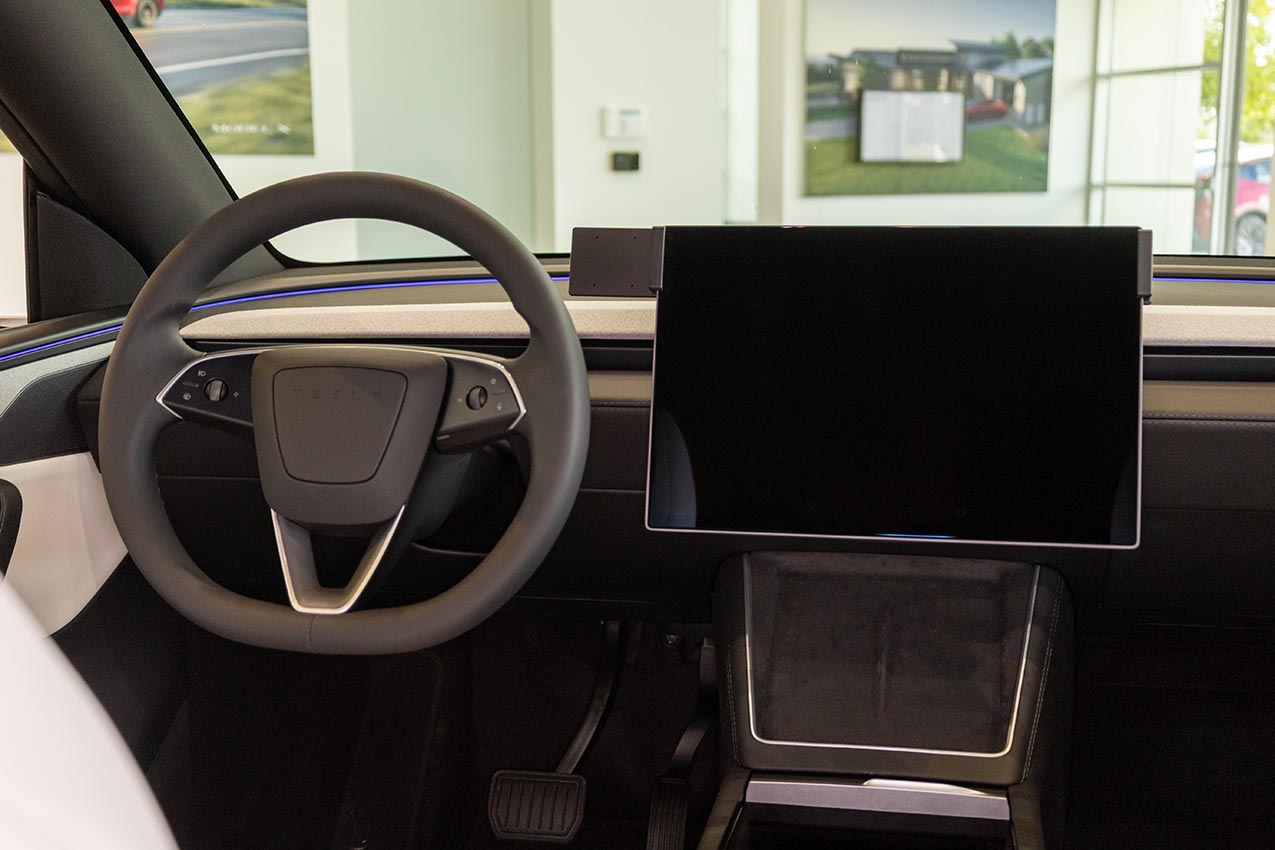
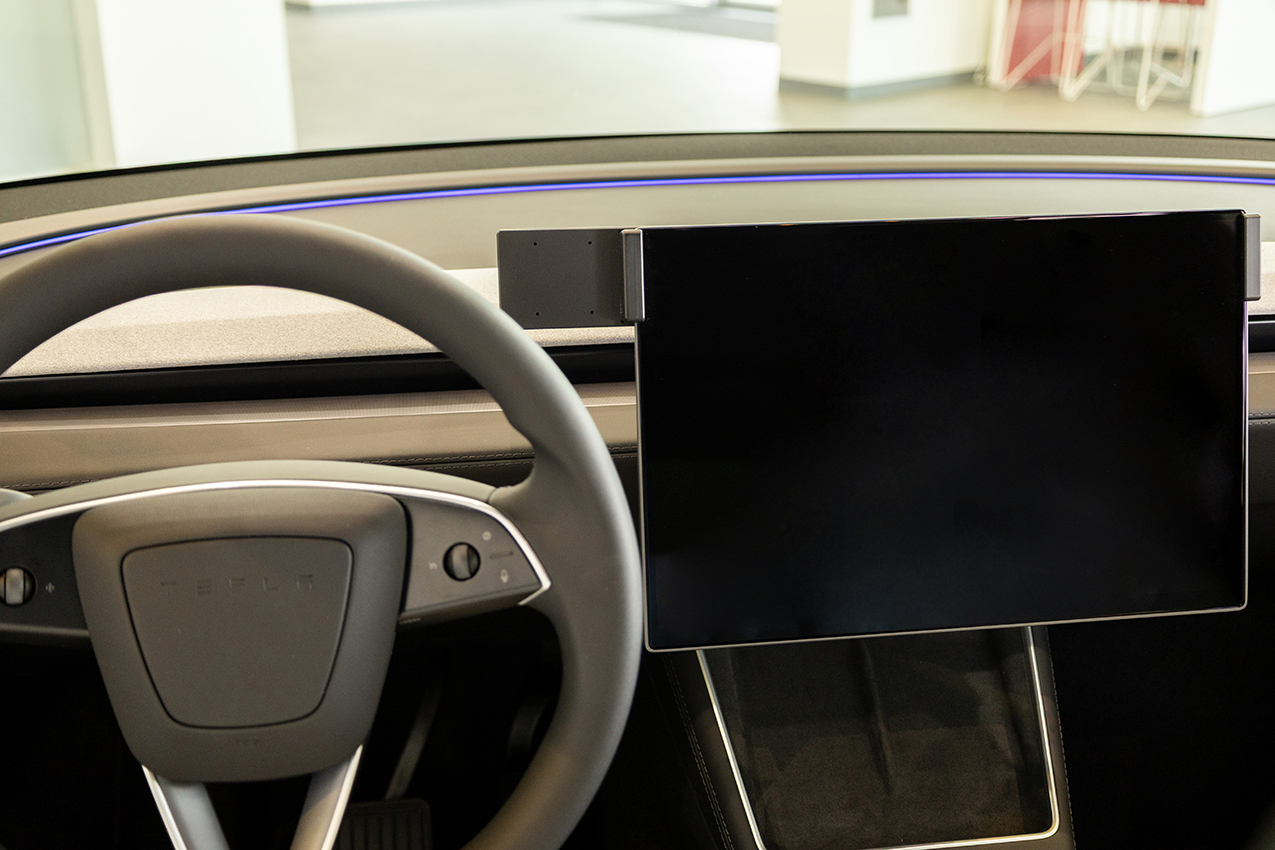
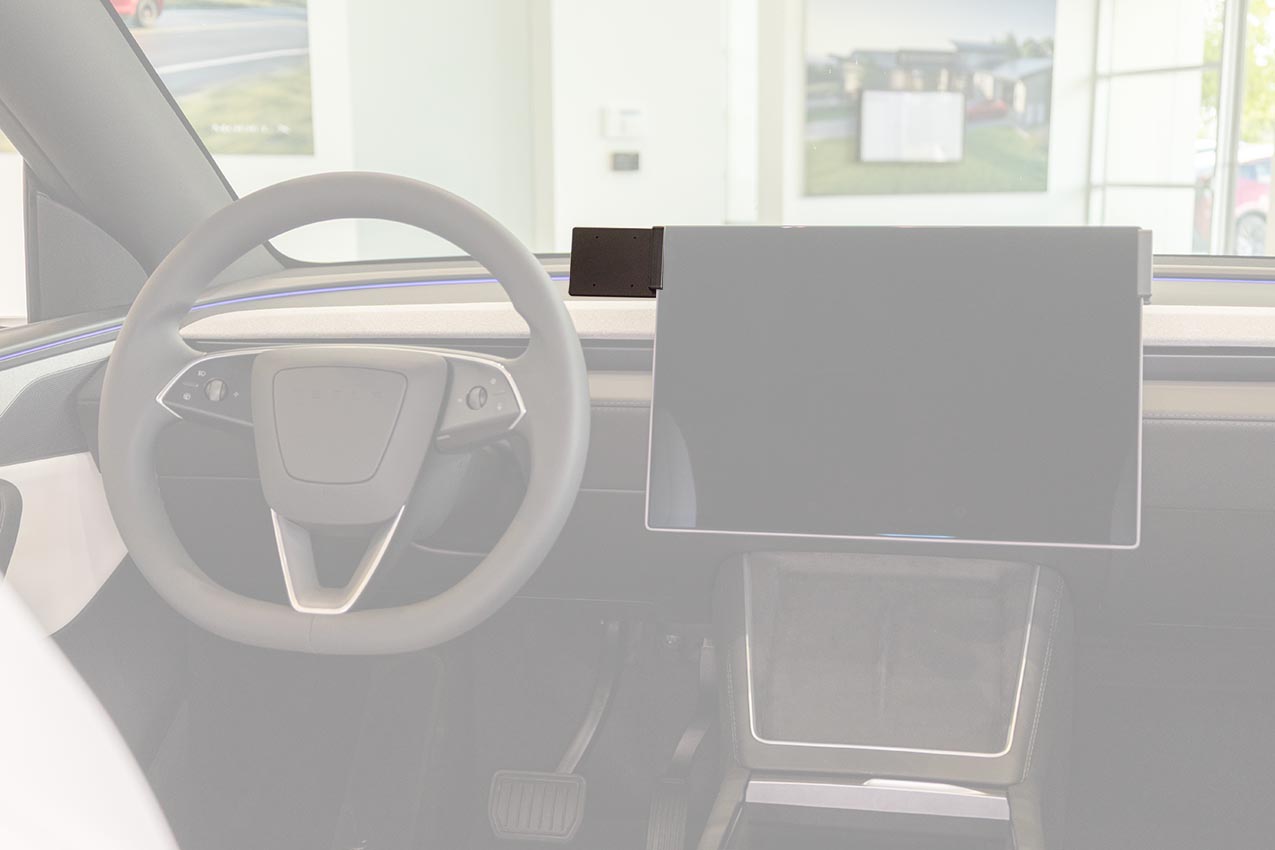
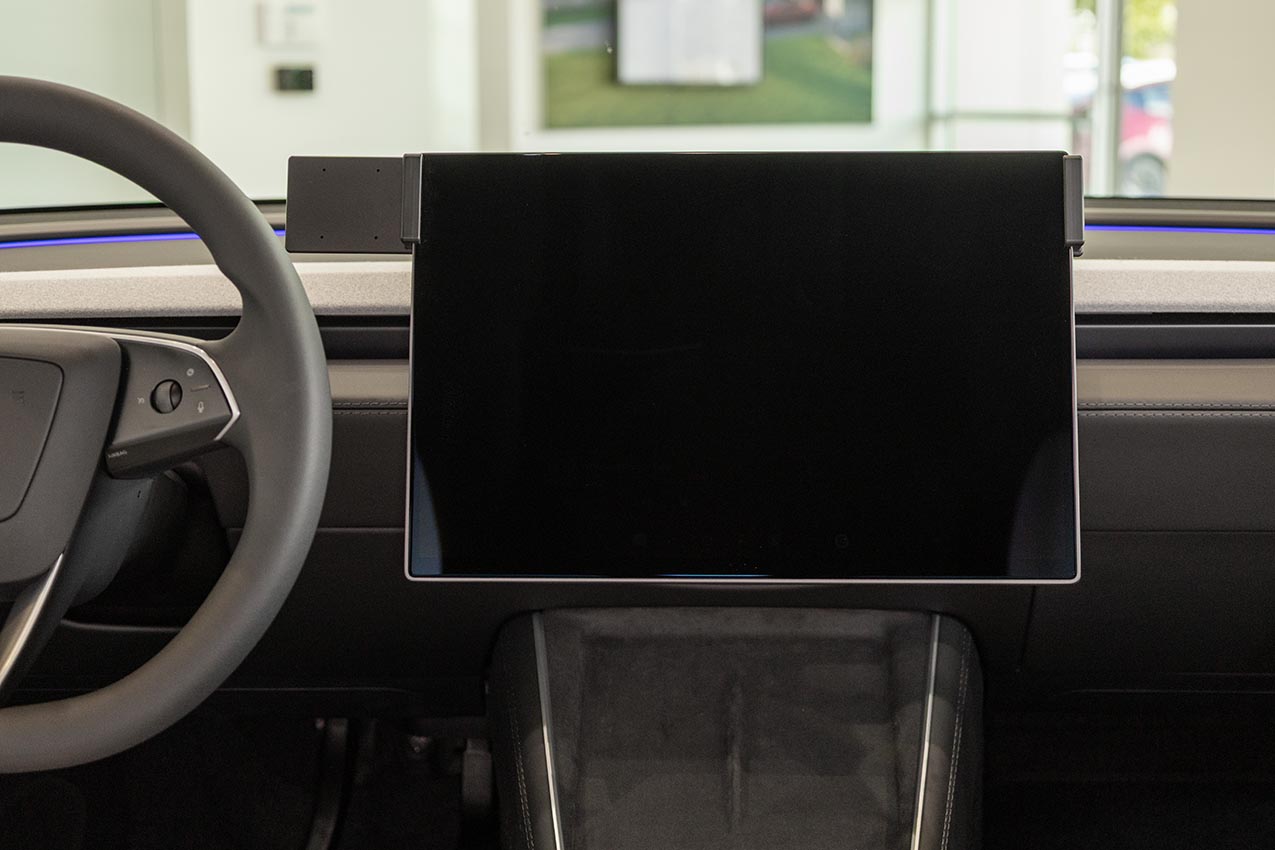
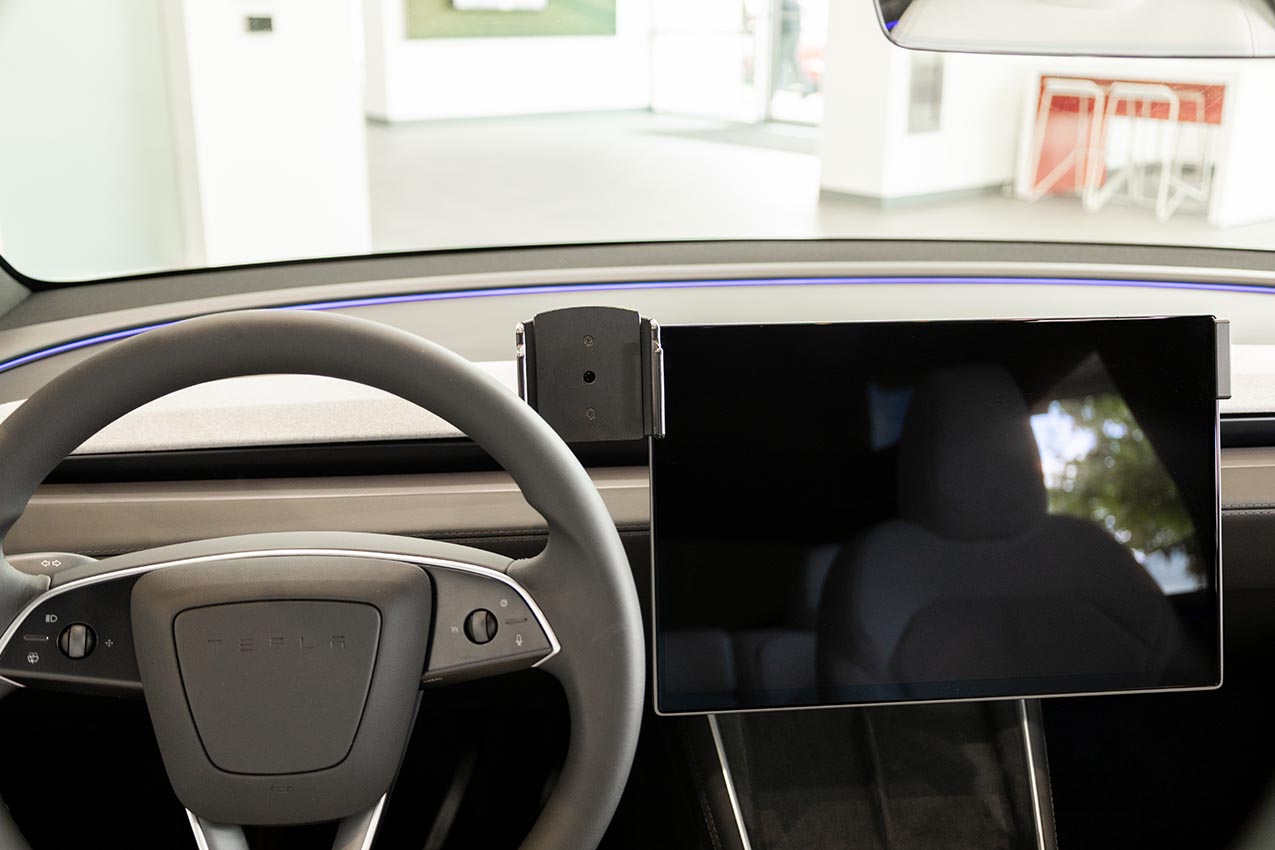
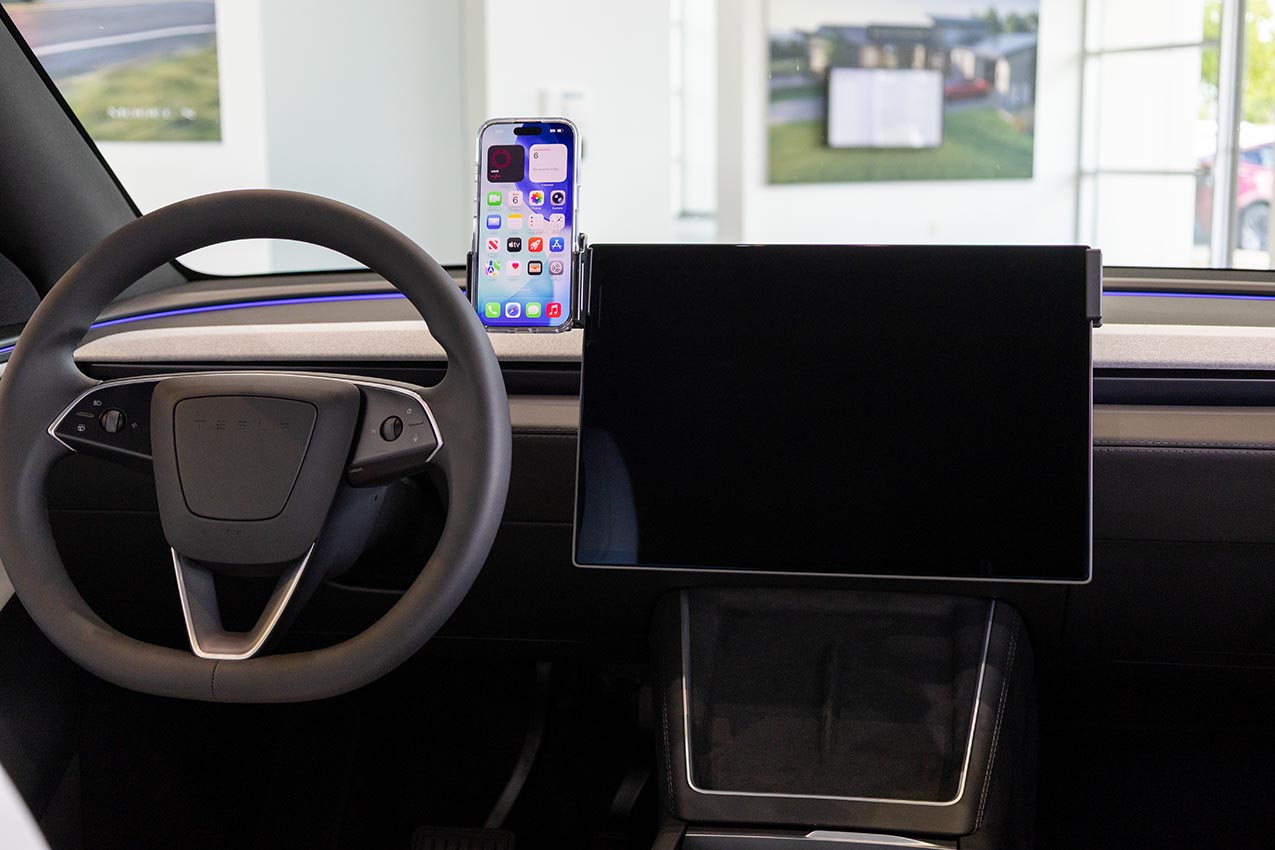
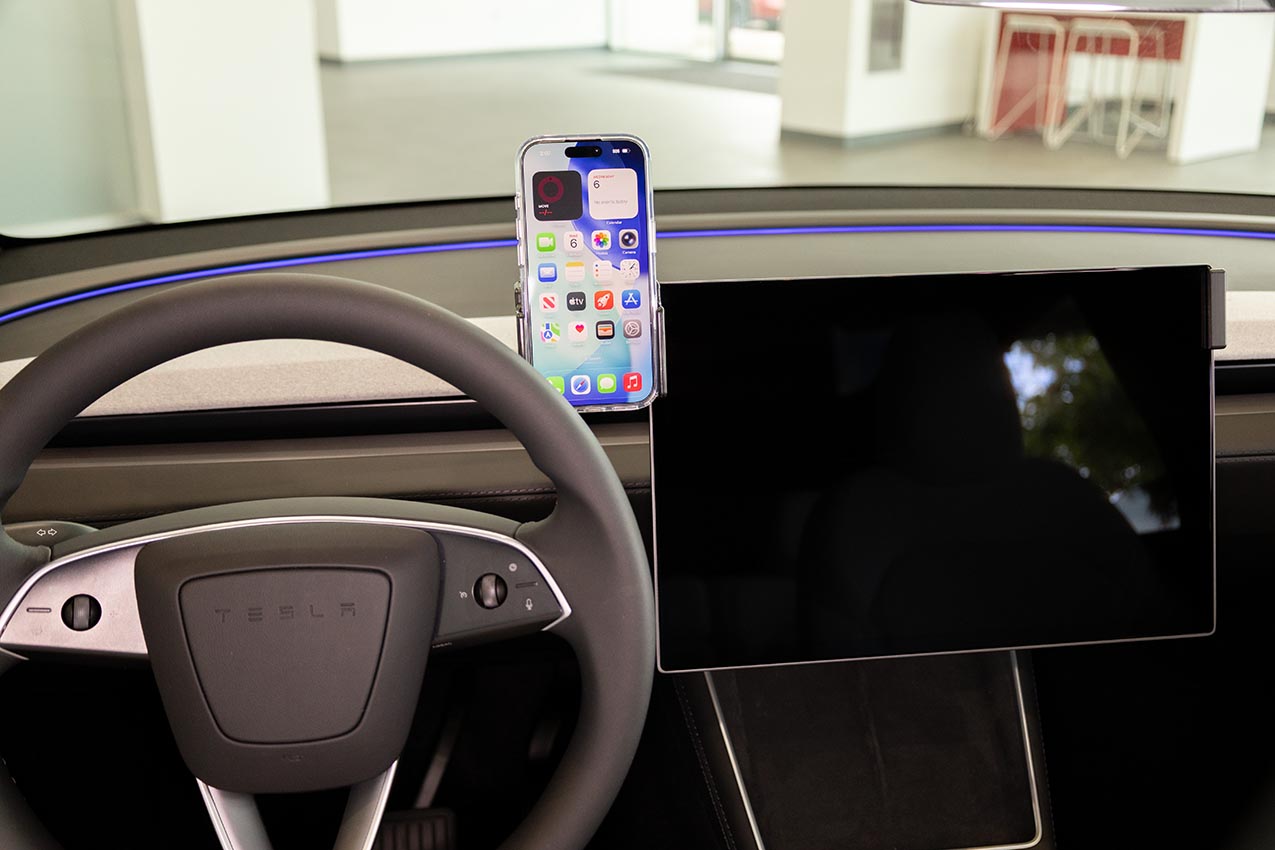
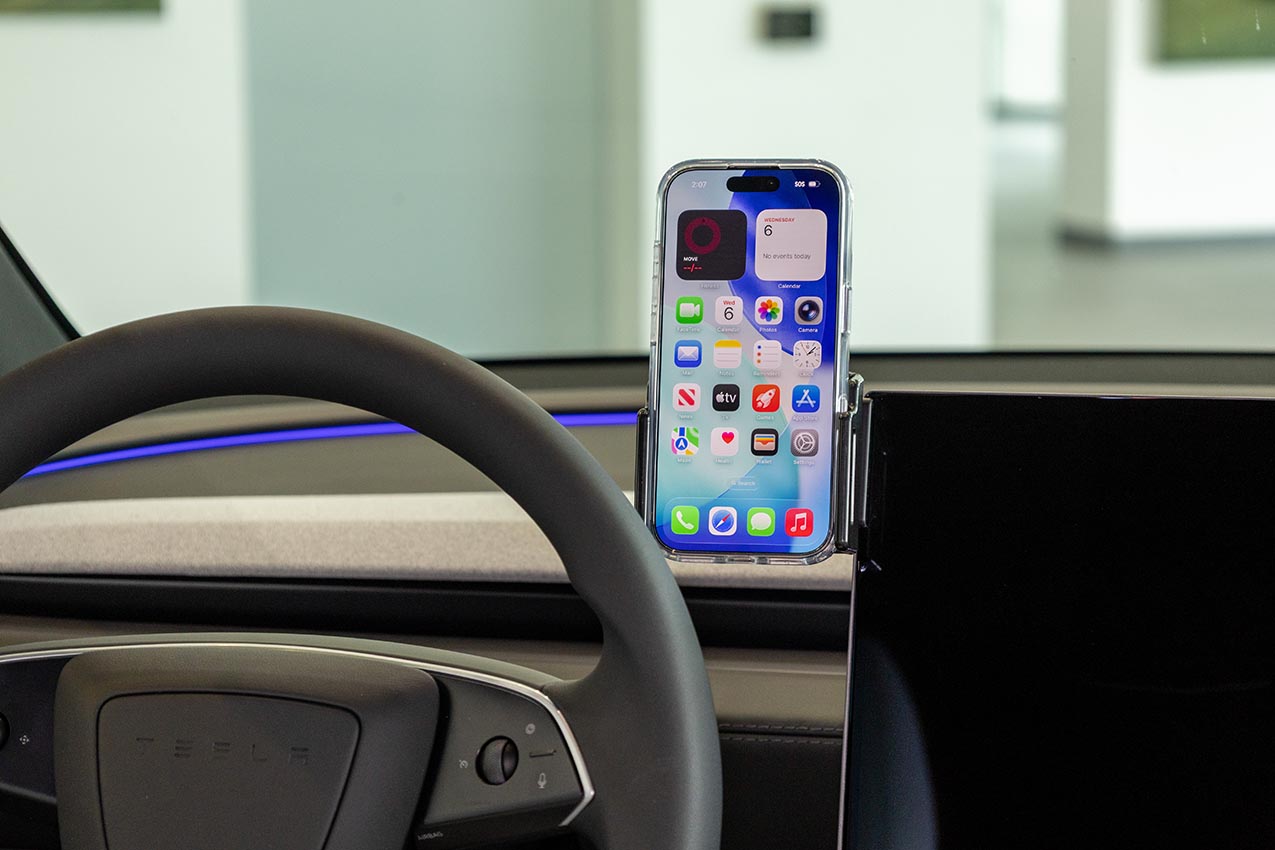
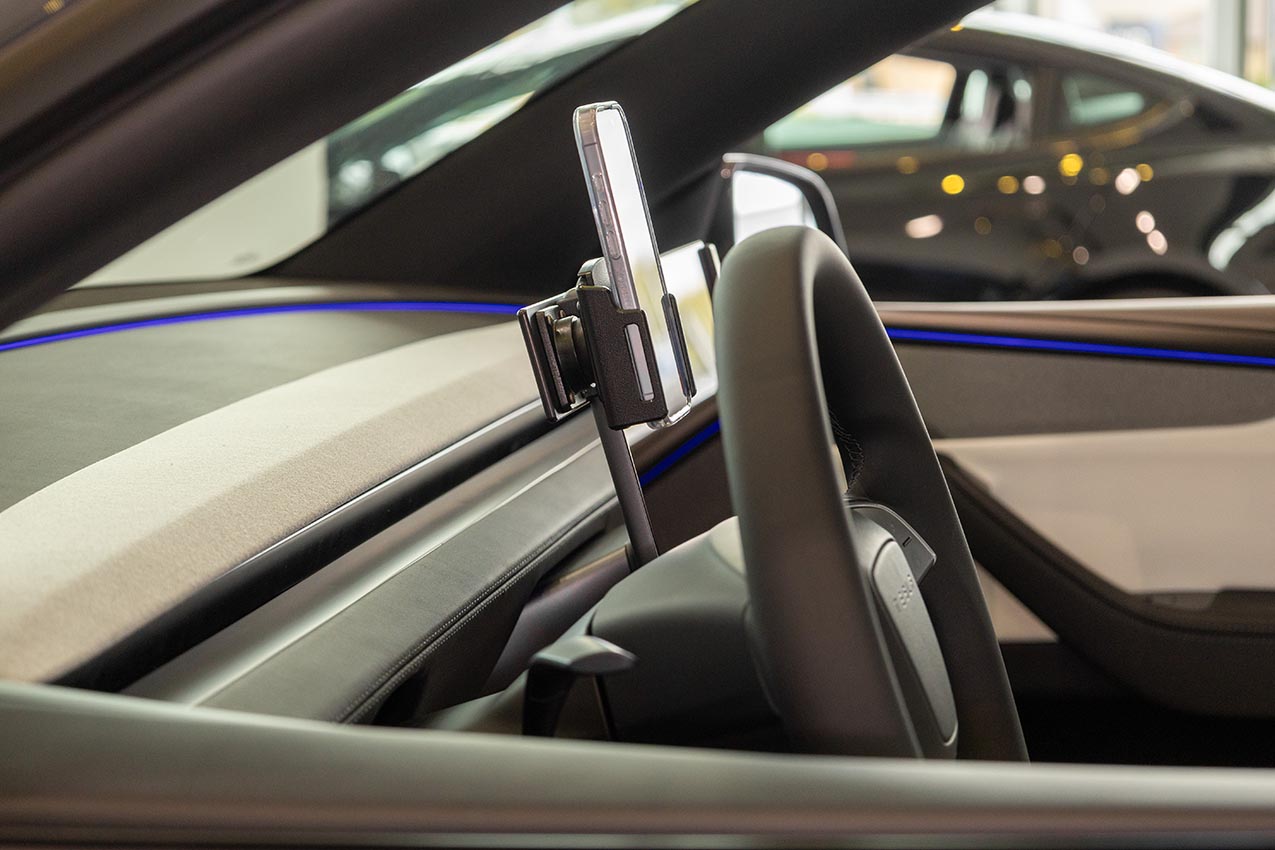
Keep your handheld device within easy sight and reach in your car! The ProClip makes it easier and safer to use handheld devices in vehicles. The ProClip is a mounting bracket that you attach to the dashboard of your car. Onto the ProClip, you can install any accessory, e.g. a holder for mobile phone or other communication device.
The ProClip is car specific, it is customized for each car model and has a perfect fit. The ProClip offers a firm mounting platform and is available in multiple positions for most vehicles. Discreet design that blends in well with the interior. Safe, neat and convenient!
The ProClip is easy to install, you can do it in a minute! You simply snap the ProClip into place in gaps in the interior, you do not need to drill holes or use special tools or dismantle the dashboard. Detailed mounting instructions included. The ProClip has AMPS holes for easy installation of a holder. Made of high grade ABS/Acetal plastic. Color: Black. Developed and produced in Sweden.
- Do you want to be able to switch between several holders on the same ProClip? Please see Brodit’s MultiMoveClip.
- Are you installing larger devices or heavier equipment? Please see Brodit’s Extra Strength Mounting Platforms and Pedestal Mounts.
Istruzioni di montaggio
Please read all of the instructions and look at the pictures before attaching the ProClip mount. It is important to install the mount first: any device holder/equipment is to be attached after the mount is in place.
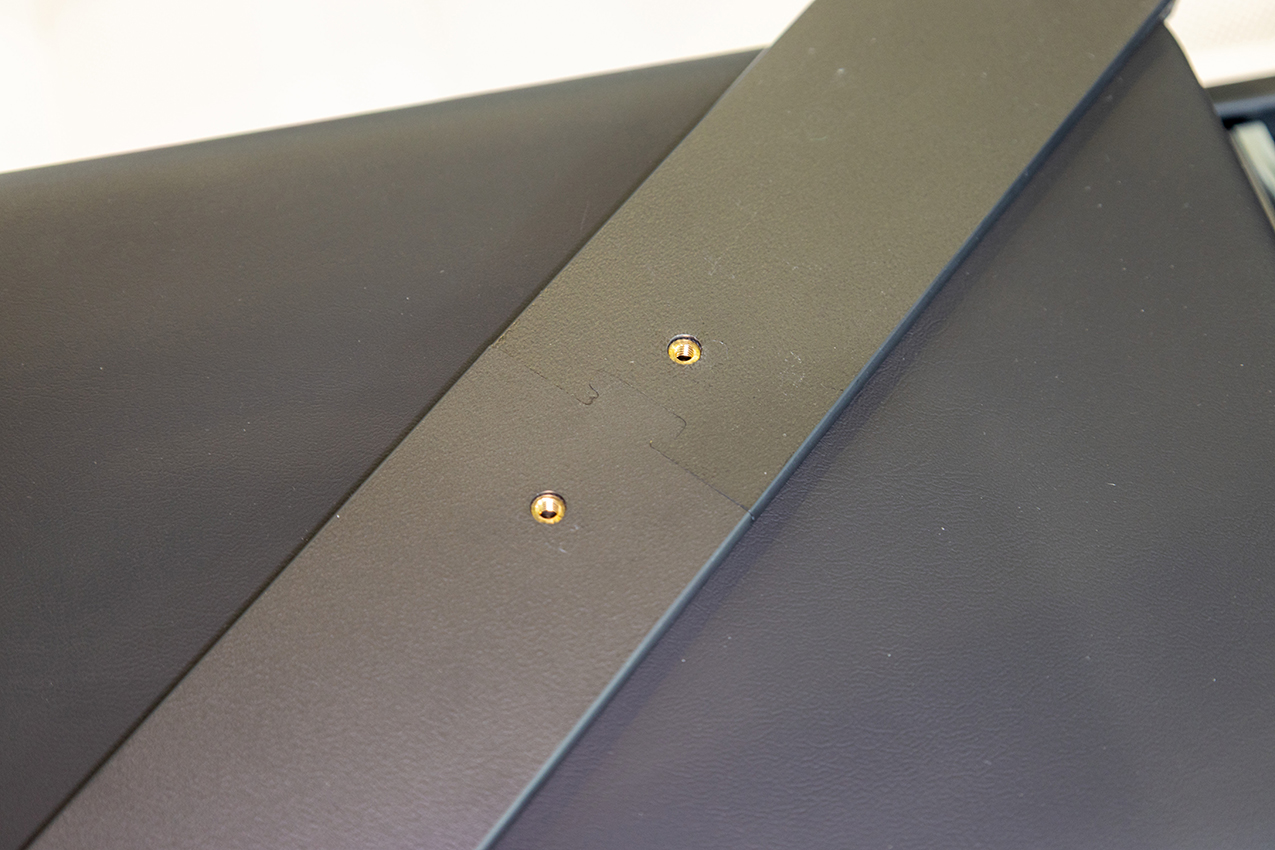
1. Fit the two sides of the mount together.
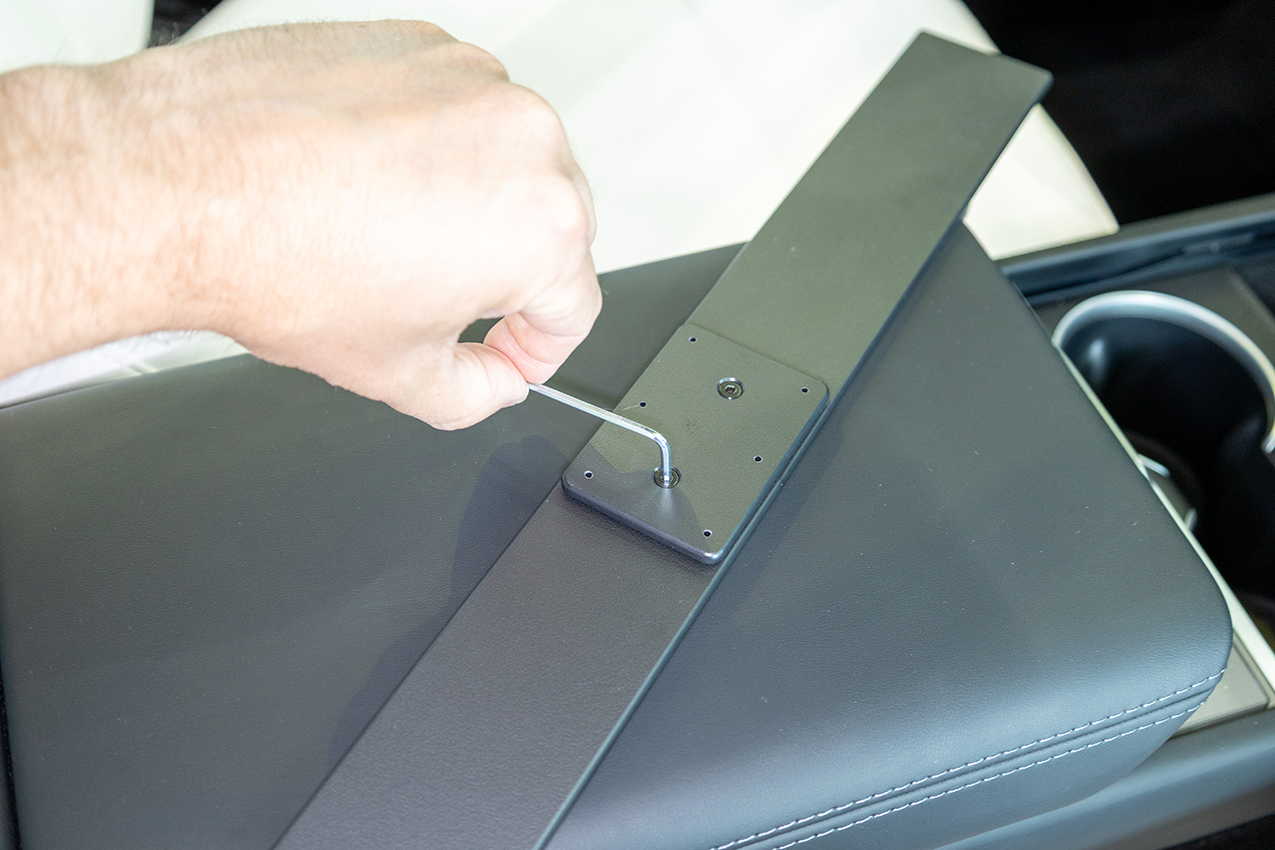
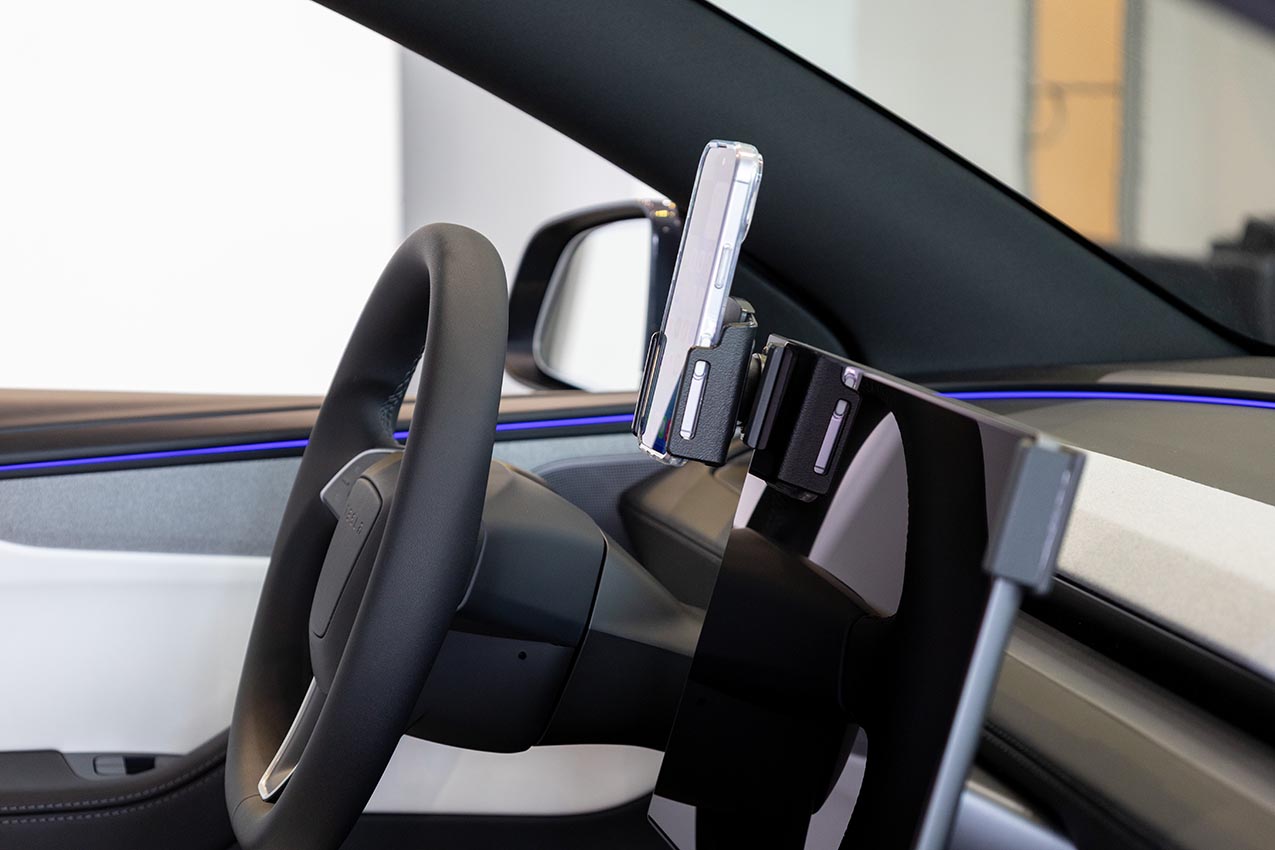
2. Place the joining plate over the mount so the threaded inserts align. Secure the mount together using the included machine screws and wrench.
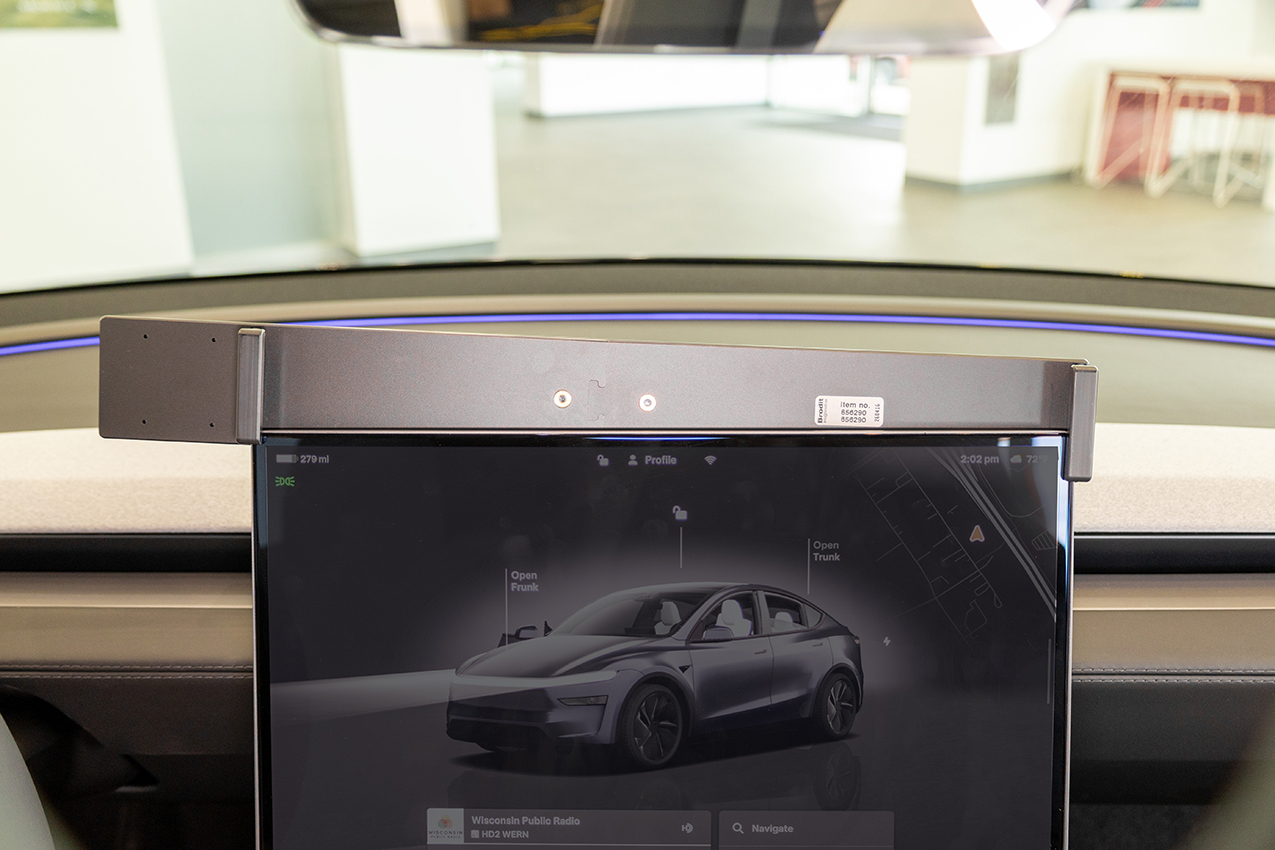
3. Place the mount over the screen. Flex the sides of the mount open and slide it downward over the screen. Slide the mount downward until the top of the mount is flush with the top of the screen frame. Press the mount down alternately one side at a time to ease the installation.