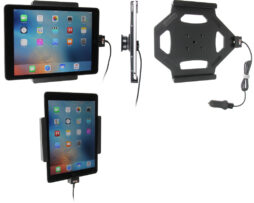
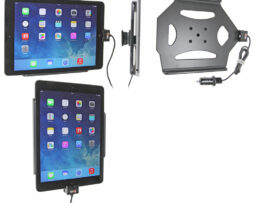
attivi con cavo usb e adattatore per presa accendisigari
721458
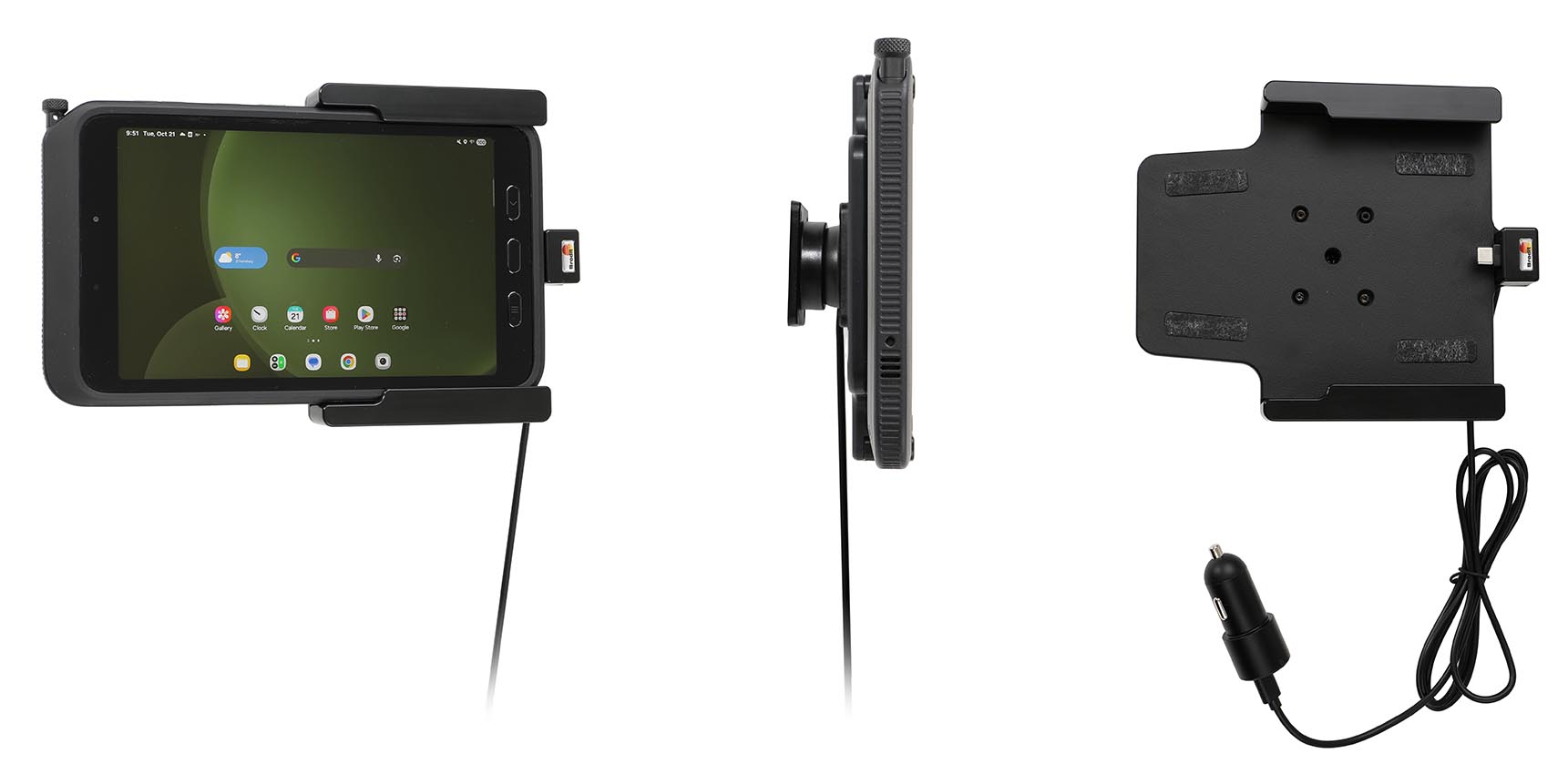
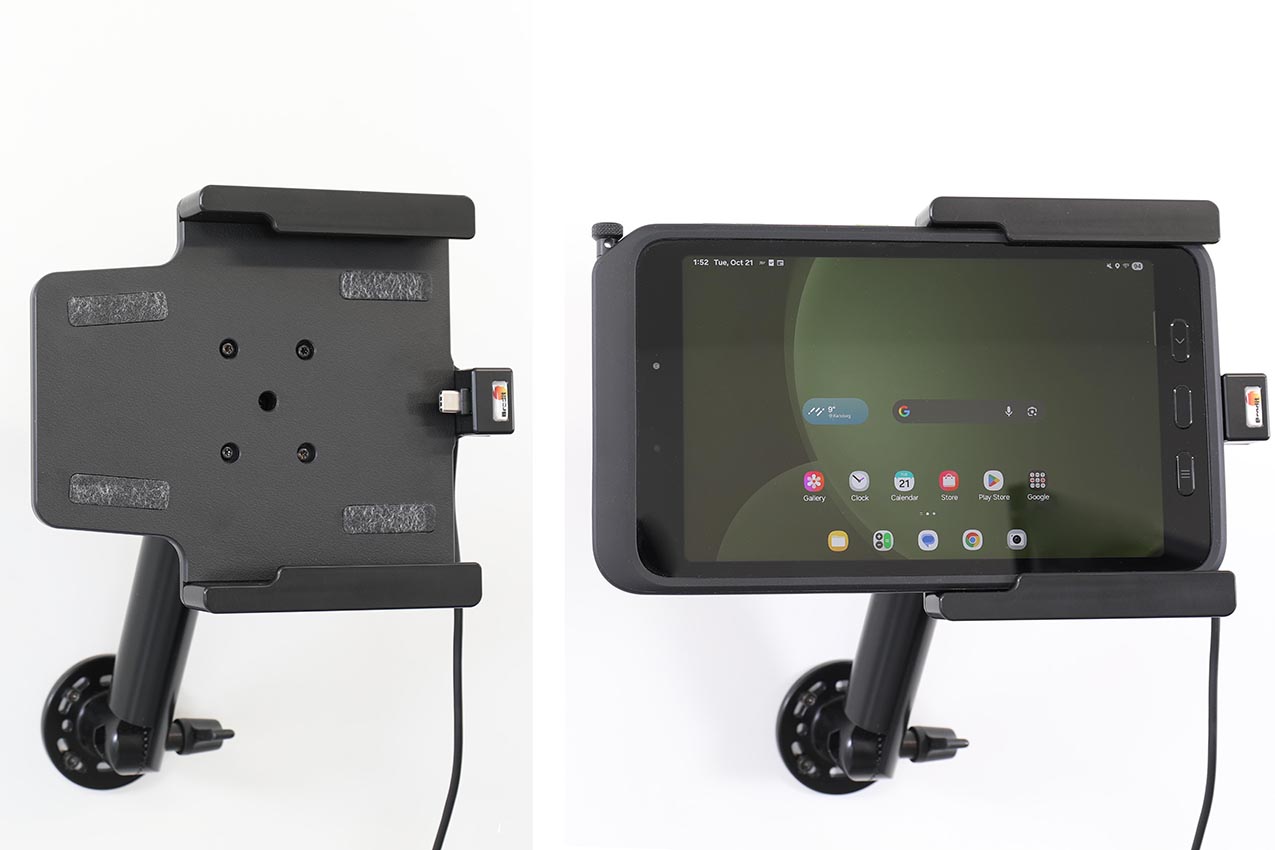
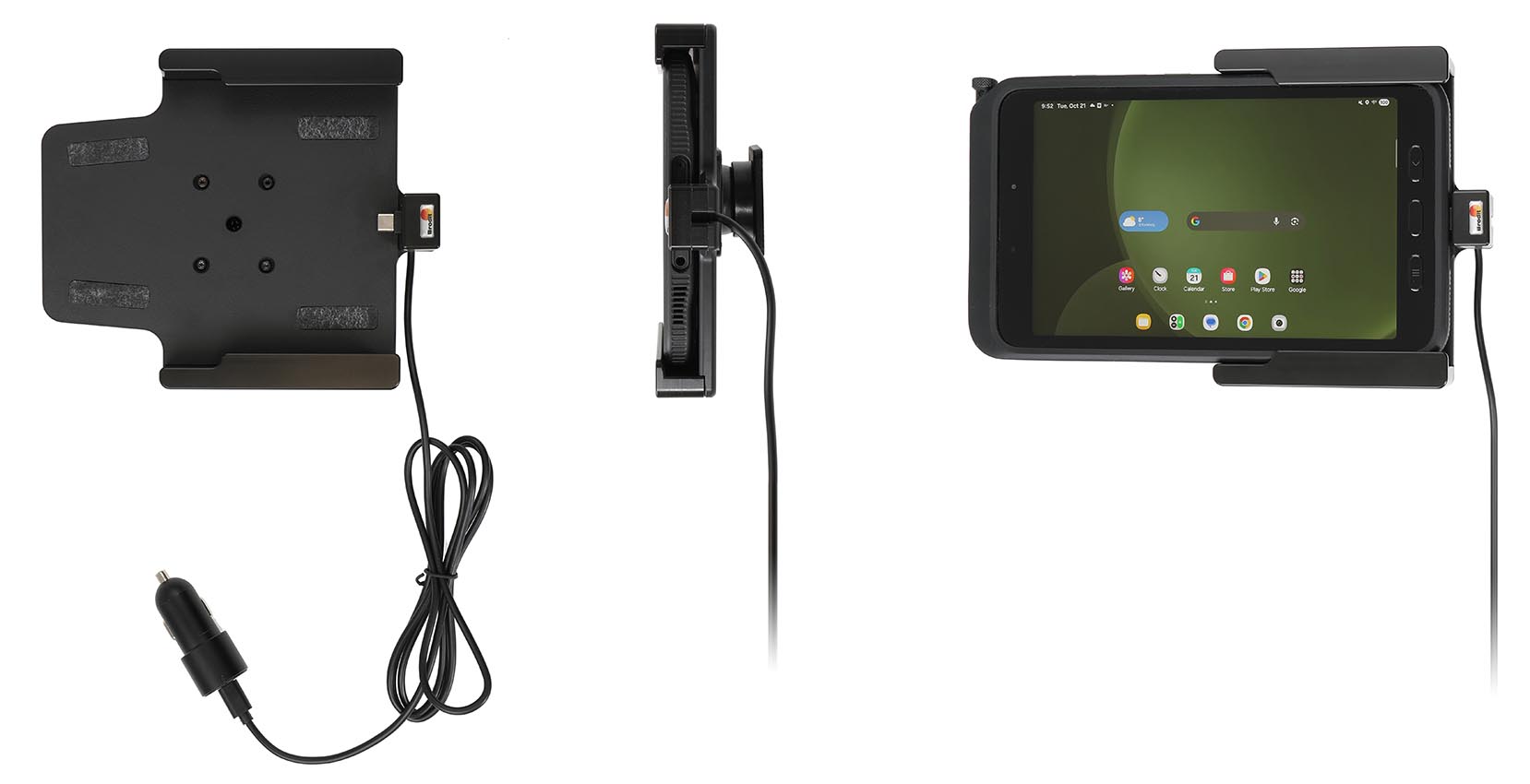
With USB-C + cig-plug adapter with 2 USB ports: USB-A and USB-C. With tilt swivel. 12/24 Volt. Fits the device with original skin.
€175,00
Su ordinazioneOrdina ora, spediamo il 07/10/2026
Disponibile su ordinazione
Codice Brodit
721458
EAN
7320287214581
Tipologia
attivi con cavo usb e adattatore per presa accendisigari
Compatibilità
Questo prodotto è compatibile con i modelli elencati qui sotto. Usa la ricerca per trovare il tuo, poi apri la pagina del modello per vedere tutti i supporti disponibili.
Keep your unit's battery fully charged in an active holder, always within easy sight and reach! Neat, discreet and convenient. Custom made with a perfect, firm fit. With USB-C cable with cig-plug adapter, choose to connect either to the vehicle's USB-C outlet or the 12/24V socket. The cig-plug adapter has two USB ports: USB-A and USB-C. USB-A (free for power supply of additional device) and USB-C (connected to the holder). You have full access to the camera and all buttons when the device is in the holder. It is easy to slide the device into place in the holder so it connects to the charging, and to take it out of the holder when leaving the car.
Important note!
In order to be able to transmit audio files from your device through the USB-cable this feature must be supported by the stereo in your car. This is easily tested by connecting your device to the stereo with the USB/charging cable that comes with your device. Charging through USB works regardless.
The holder is equipped with a tilt swivel so you can easily adjust the angle for better viewing, or switch between portrait and landscape mode. Tilts 17° and swivels 360°. Mounting plate 42x50 mm with 4 mm AMPS-holes. Made of high grade black ABS/Acetal plastic. Made in Sweden. For easy and optimal installation, attach the holder onto a custom ProClip Vehicle Mount, a Pedestal Mount or attach it directly to any surface.
Choose installation placement with care, devices must not be placed in positions where they may block the view or important controls. The cradle should only be attached onto a suitable place. Installations always take place at the customer's own discretion and responsibility.
Istruzioni di montaggio
Please read all of the instructions and look at the pictures before attaching the holder.
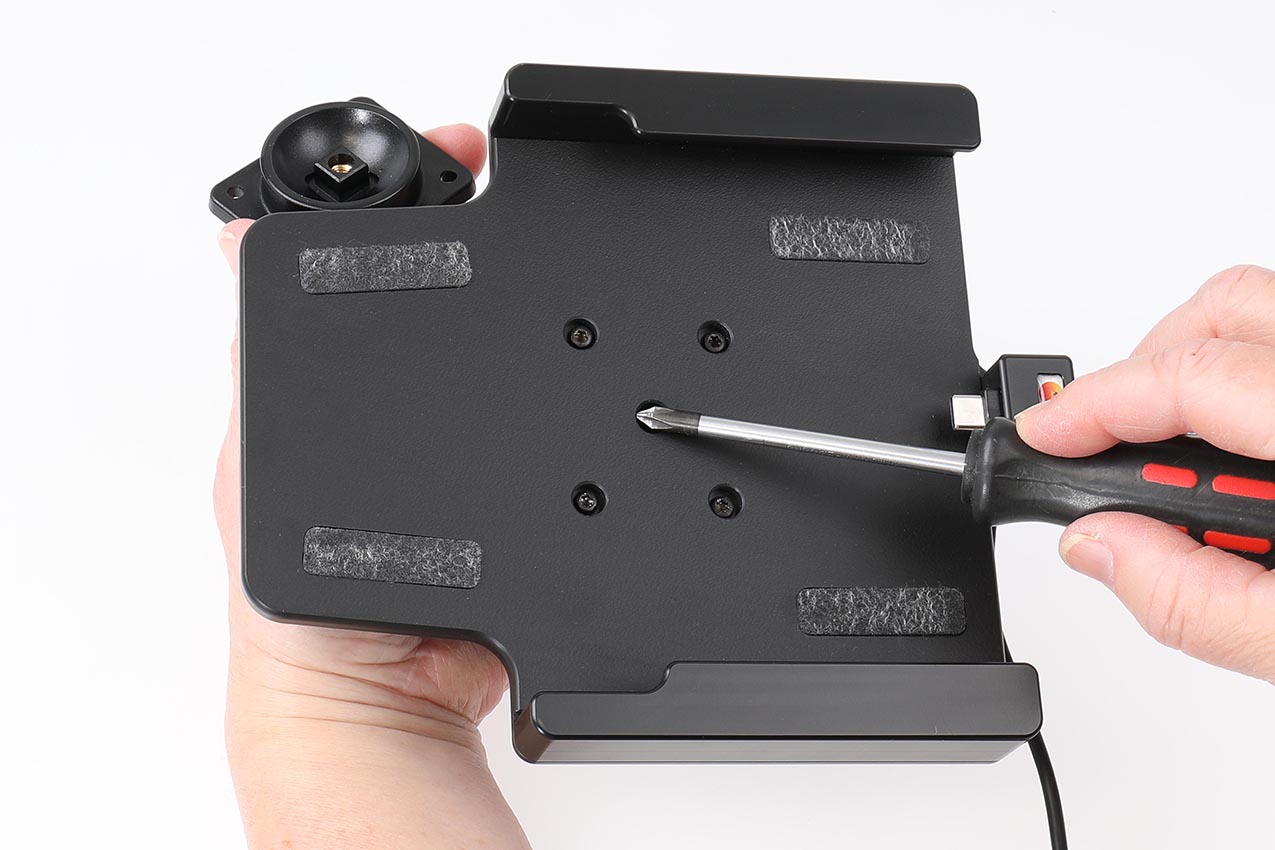
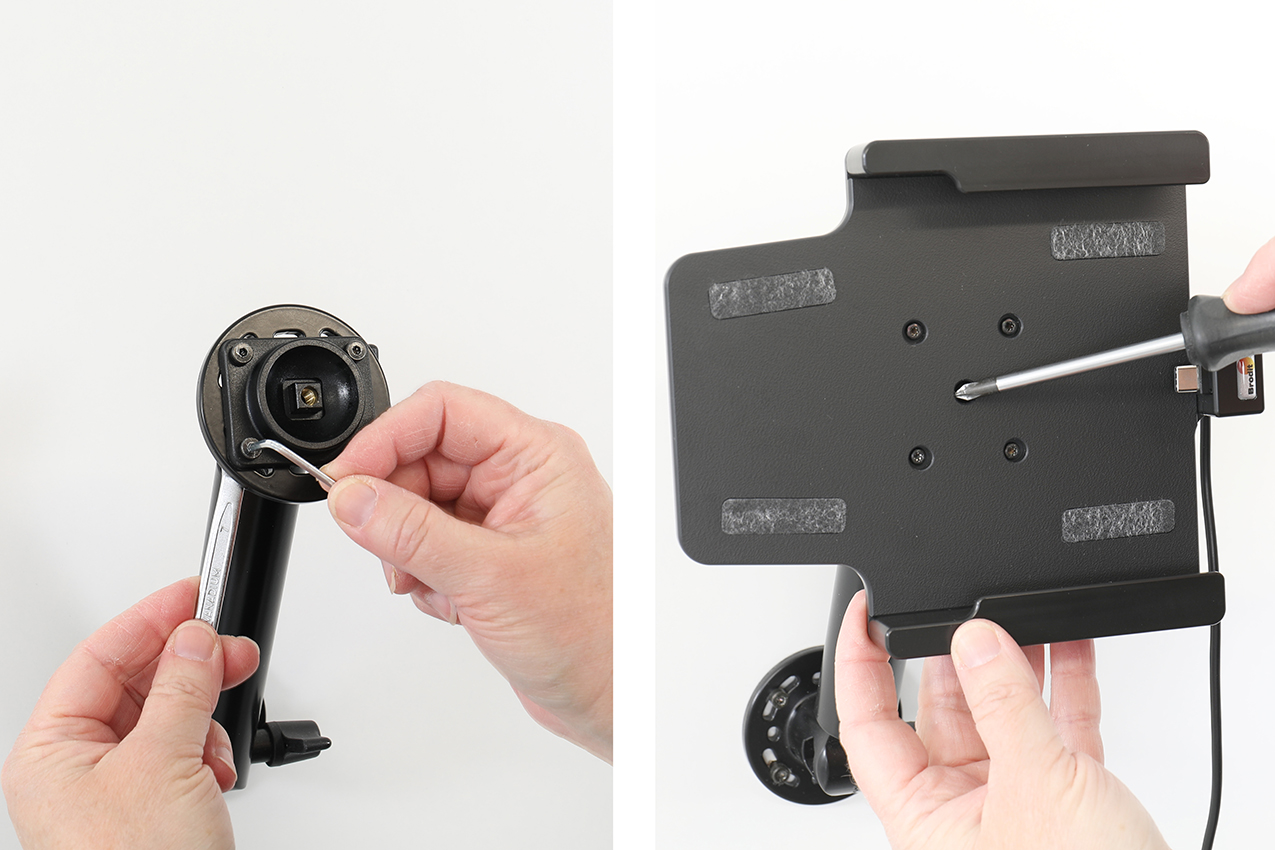
1. Loosen the screw in the center of the holder so you can remove the tilt swivel attaching plate on the back.
2. Place the attaching plate onto the desired position. Screw the attaching plate into place with the enclosed screws. Place the holder over the attaching plate so the screw fits in the hole in the tilt swivel. Tighten the screw until the holder is firmly in place, but still can be adjusted.
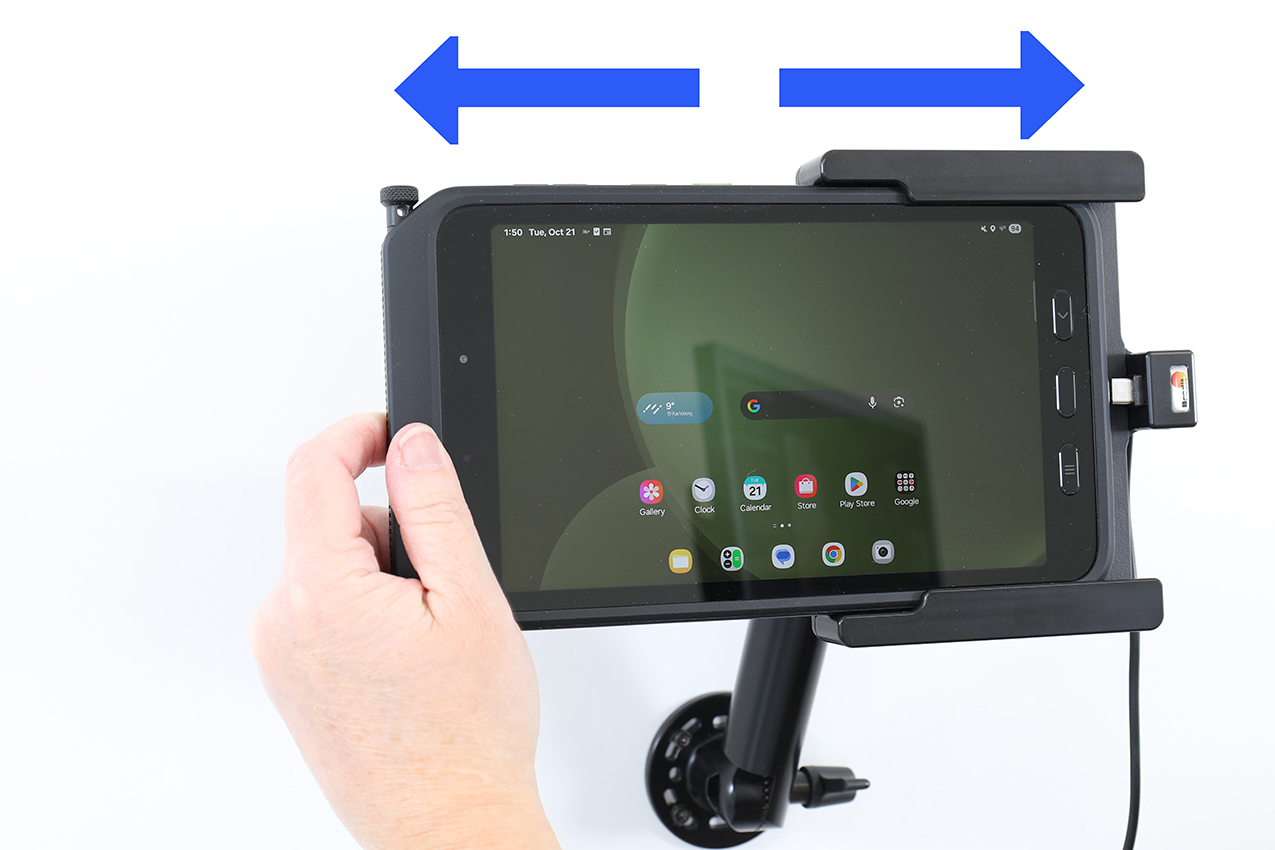
3. To place the device in the holder: Slide the device sideways into the holder until you hear / feel it snaps into place. To remove the device from the holder: Slide the device sideways and out.