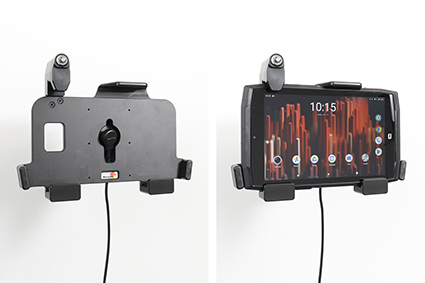
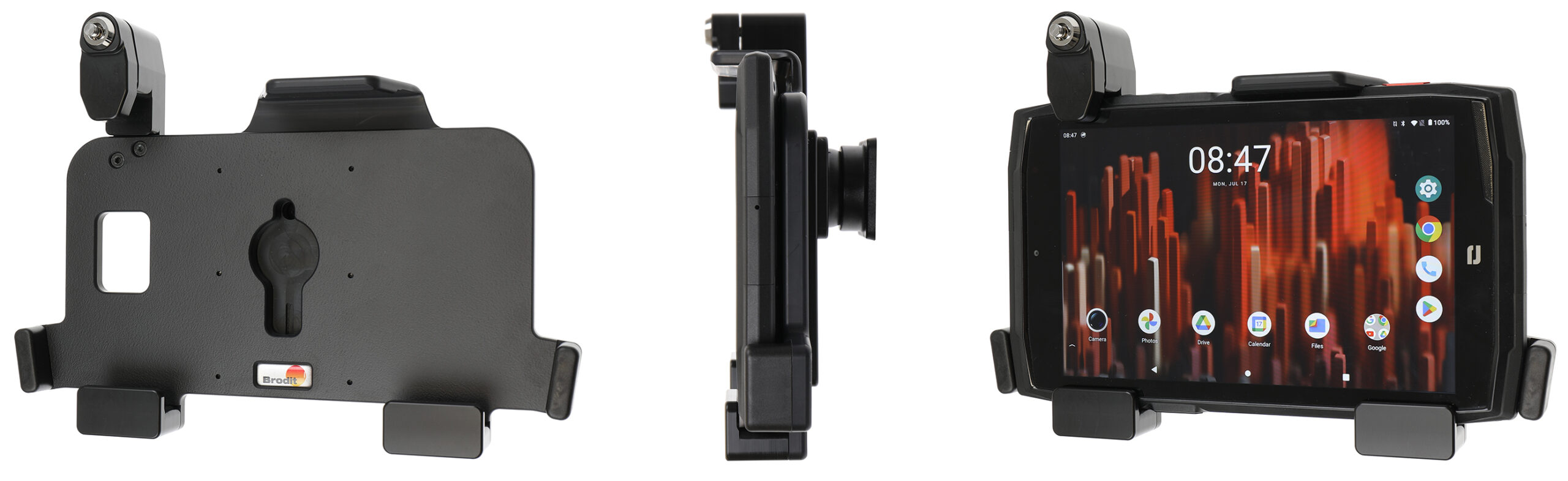
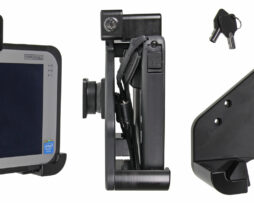
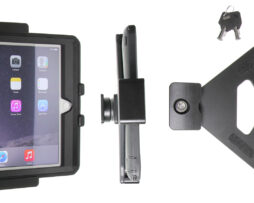
Holder with key-lock

739353

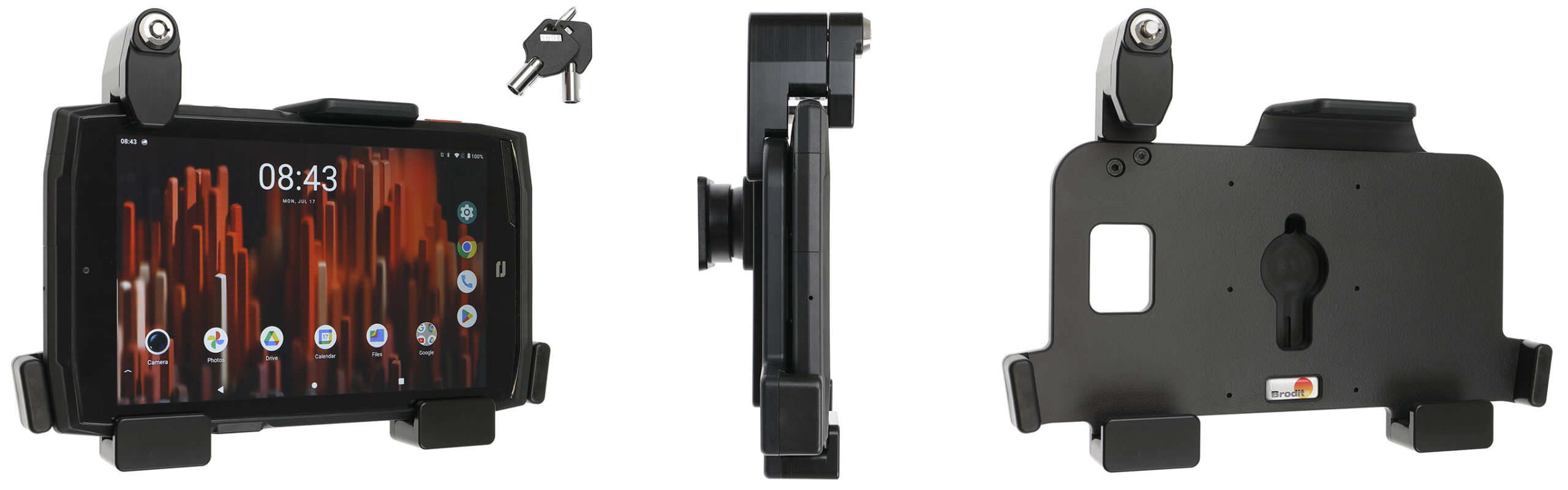
Passive holder with tilt swivel. 2 keys included. Can be used with Crosscall X-Cable USB A- X-Link.

€223,00

Su ordinazioneOrdina ora, spediamo il 07/10/2026

Disponibile su ordinazione

Codice Brodit739353
EAN7320287393538
TipologiaHolder with key-lock

Compatibilità

Questo prodotto è compatibile con i modelli elencati qui sotto. Usa la ricerca per trovare il tuo, poi apri la pagina del modello per vedere tutti i supporti disponibili.

Dispositivi compatibili (1)

MarcaModello
CrosscallCore-T5

Descrizione

This holder is to be used when you want to secure your unit and still have it easy accessable. The holder is also perfect for use in stores, at exhibitions and any place where you want to use your unit without having it easy removable. The holder is made of extra strong plastic and is equipped with a lock. In order to remove the unit from the holder you need the key, two keys are included. The holder Can be used with Crosscall X-Cable USB A- X-Link. Cable not included.
 
The holder is equipped with a tilt swivel so you can easily adjust the angle for better viewing, or switch between portrait and landscape mode. Tilts 17° and swivels 360°. Mounting plate 42x50 mm with 4 mm AMPS-holes. Made of high grade black ABS/Acetal plastic. Made in Sweden.
 
An installation of a tablet onto a vehicle’s dashboard is always done on the customer’s own responsibility. Brodit recommends to use tablets on the car’s headrest, installed onto a Brodit headrest mount.

Istruzioni di montaggio

Please read all of the instructions and  look at the pictures before attaching the holder.
 
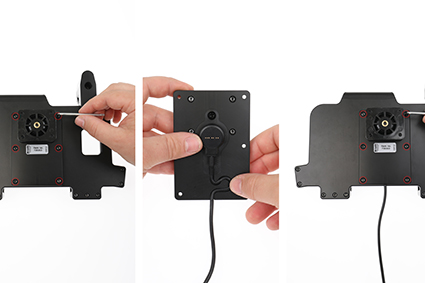
1. To mount the cable: Loosen the screws on the back plate. Press the charging cable into the slot on the plate as shown, place the magnetic charger itself in the center of the slot. Place the backing plate on the back of the holder so that it fits against the pre-drilled holes. Screw the parts together.

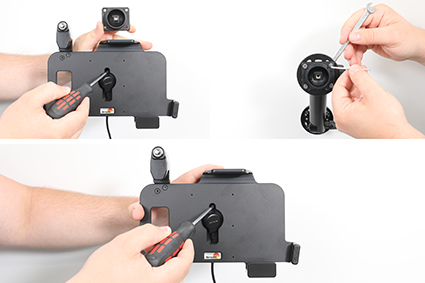
2. Loosen the screw in the center of the holder so you can remove the tilt swivel attaching plate on the back. Place the attaching plate onto the desired position. Screw the attaching plate into place with the enclosed screws. Place the holder over the attaching plate so the screw fits in the hole in the tilt swivel. Tighten the screw until the holder is firmly in place, but still can be adjusted.

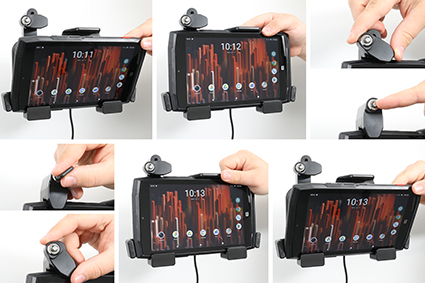
3. To place the device in the holder: Place the lower part of the device in the holder. Flip/press the upper part of the device forward so it snaps into place in the holder. Press the locking block downward. Press the button to lock. To remove the device from the holder: Use the enclosed key to open the lock. Slide the lock upward. Press upwards on the upper part of the holder, in the same time pull the upper part of the device out from the holder and then lift the device up and out from the holder.

4. The holder is in place.